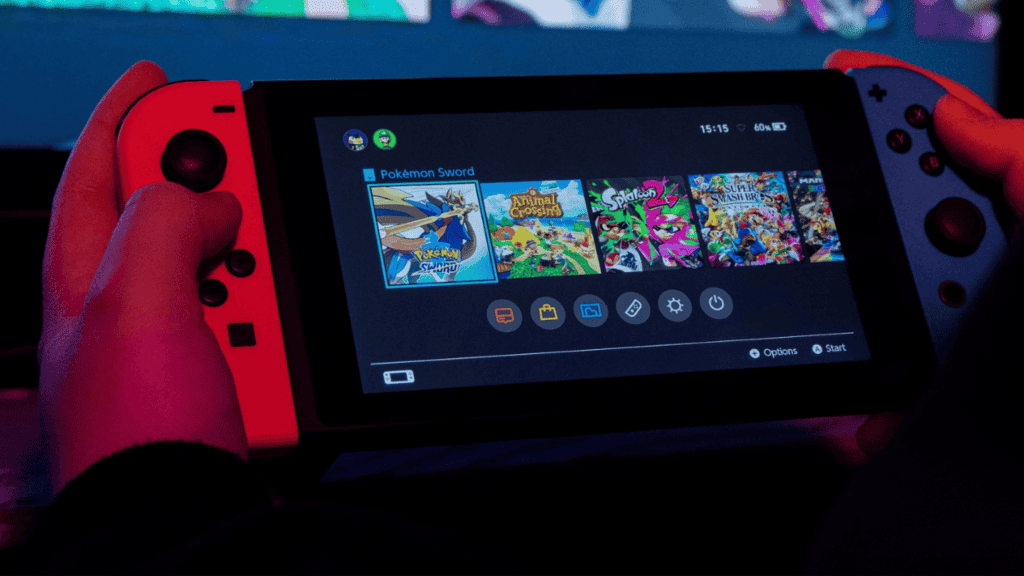
To restore a Nintendo Switch to its factory settings and remove all user data, profiles, saved games and installed software, use the console’s system settings. The procedure is simple and can be completed in a few minutes.
When you should factory reset your Switch
Factory resetting the Switch is useful in several situations: if you bought a used console and want to erase the previous owner’s content; if you need to remove all games and profiles at once; or if the system is displaying persistent bugs or corrupted data.
Resetting can also help older consoles that have become noticeably slow or that take much longer to load games than they used to. Before proceeding, remove any microSD card and confirm you have backed up or transferred any screenshots, save data or games you wish to keep.
How to perform a factory reset on the Nintendo Switch
Estimated time: 3 minutes
- Open System Settings — From the Home menu, select the gear icon to enter the console’s System Settings.
- Go to Console — In the left-hand menu, scroll down and choose the “Console” tab.
- Access Formatting Options — Within the Console section, scroll down to find “Formatting Options” and select it.
- Format the console — Scroll down to “Initialize Console” (or “Format the console”), then follow the on-screen prompts to complete the reset.
Important reminders before resetting
Make sure the microSD card has been removed so its contents are not affected unless you intend to reformat the card as well. Verify that any data you want to keep—such as digital purchases, save files, screenshots or user profiles—has been backed up or transferred, because a factory reset will erase these from the console.
What the reset removes
The factory reset deletes user accounts, saved game data, system settings and installed software from the console. It returns the Switch to the state it was in when first taken out of the box, requiring reconfiguration and reinstallation of content afterward.