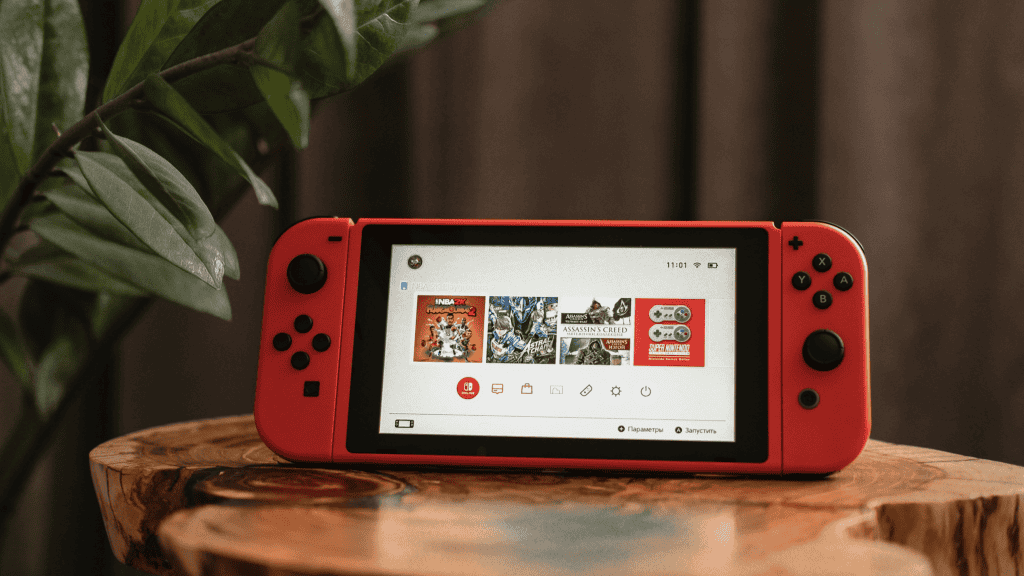
The Nintendo Switch launched in 2017 and later received a hardware revision that improved battery life. To determine whether you own the original model or the updated unit, check labels on the console itself or the packaging.
What changed in the updated Nintendo Switch?
The original Switch had a shorter battery life that affected play sessions on demanding games. Nintendo updated the console’s internal hardware to extend battery life by up to two hours compared with the initial release.

That improvement is most noticeable with high-demand titles such as The Legend of Zelda: Breath of the Wild, which consumes substantial battery due to its complexity. For less demanding games, the extra battery time on the revised model will be less apparent.
How to verify which model you have
There are three simple visual checks you can perform to confirm whether your console is the updated Switch.
1. Check the model code on the back
Turn the console over and look for the label that lists the model. If the label shows the characters HAC-001(-01) following MOD, that indicates you have the updated version.
2. Inspect the barcode sticker
Locate the barcode sticker typically on the bottom or near the USB port. If the barcode begins with XKW, the console is the revised model.
3. Compare the retail box
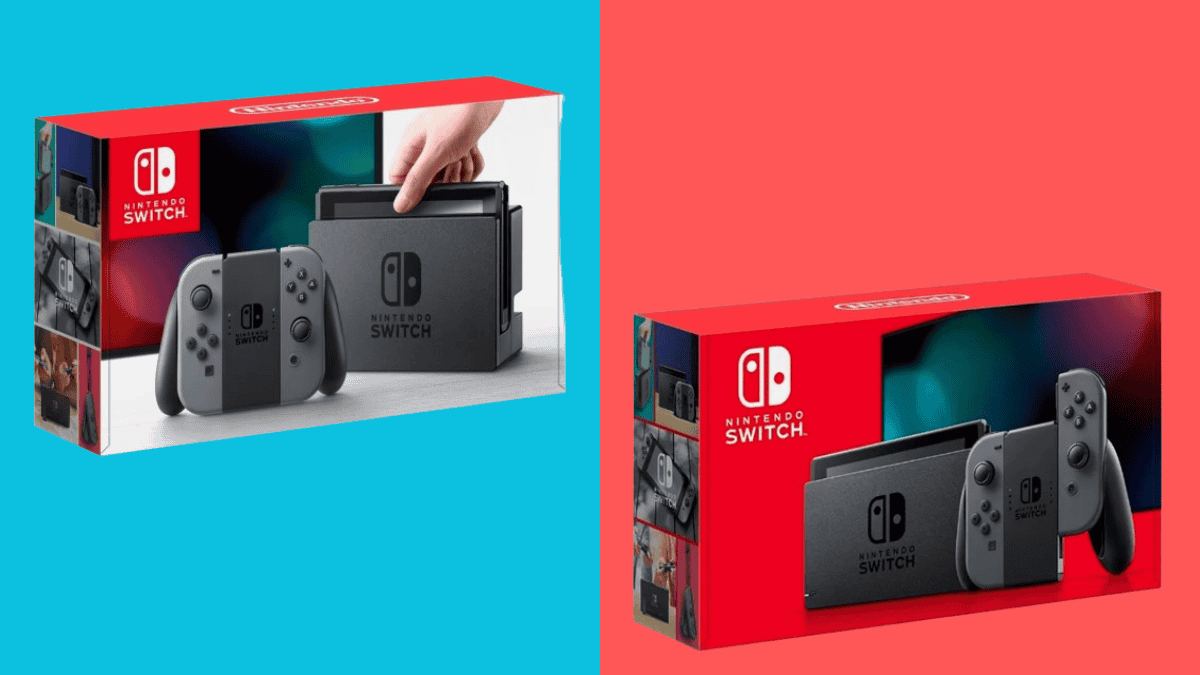
The packaging also provides a clue: the older Switch ships in a box with a white front panel, while the updated model comes in an entirely red box.