
Storage limits on modern consoles are forcing players to make tough choices: installing a new game often means deleting another. New releases and expansions can push individual titles past 100 GB, quickly filling PS5 and Xbox Series systems, while the Nintendo Switch’s smaller internal memory makes the problem even more acute.

Why managing console storage matters
Running out of free space doesn’t just prevent new installations. Consoles with nearly full drives can experience slower load times, failed updates and errors during installations. Keeping a reasonable margin of free storage improves performance and reduces hassle when installing or updating games.
The good news is that simple habits and a few maintenance steps can recover significant space without technical expertise.
1 — Delete games you no longer play
Many players keep finished or abandoned titles installed out of concern for losing progress. On PS5 and Xbox, saved game files are stored in the cloud automatically if that feature is enabled, allowing you to delete a game and reinstall it later without losing your progress.

Make it a habit to review your library periodically. If a title hasn’t been opened in months, deleting it can free tens or even hundreds of gigabytes depending on the game. With faster internet connections, reinstalling a removed game when you want it again is usually straightforward.
2 — Remove optional add‑on content
Many games install optional packs—extra language audio, 4K texture packs, soundtracks or unused expansions—that can add several gigabytes to the overall install. If you only play in one or two languages, removing other audio packs makes sense.
Consoles let you manage a game’s installed components from the game or system storage menu. Uninstalling unused add‑ons frees space without removing the core game.
3 — Clean screenshots and video captures
Consoles automatically save screenshots and short clips when you earn trophies, achievements or complete milestones. Over time these captures accumulate and can occupy significant space.
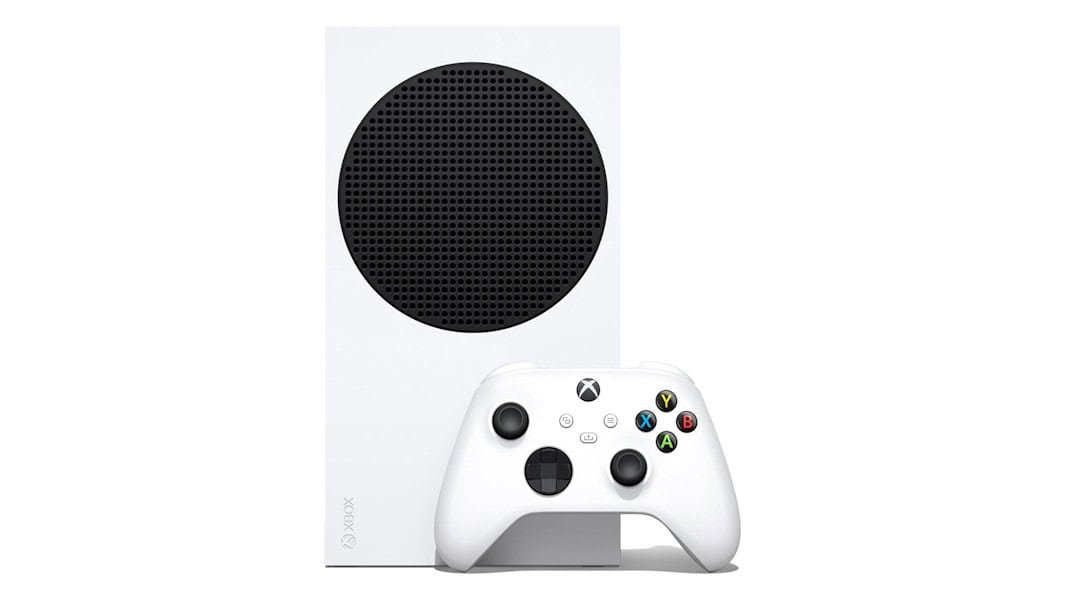
Periodically delete unnecessary captures and keep only those you want to share or archive. Alternatively, transfer them to an external drive or cloud storage to retain memories without using internal storage.
4 — Turn off automatic downloads and updates
Automatic updates are convenient but can consume storage for games you no longer play. A title left unused can keep receiving large patches that occupy space needlessly.
To avoid this, disable automatic updates for inactive games via the console settings so only the titles you play receive updates. This gives you better control over what occupies your drive and prevents surprise downloads while the system is idle.
5 — Remove mods and heavy personalization packs
Although mods are more common on PC, some consoles support mods, custom themes or graphical packs that can be large and are often used only briefly out of curiosity.

Review and uninstall mods, themes, alternative interfaces and other personalization files you no longer use. Removing these extras reclaims valuable space so only essential games and features remain installed.
Routine maintenance to keep consoles ready
Combine these five practices—removing unused games and add‑ons, clearing captures, disabling automatic updates for idle titles and deleting mods—to maintain a healthier storage buffer. Regular checks prevent unexpected errors during installations and keep your console ready for new releases.