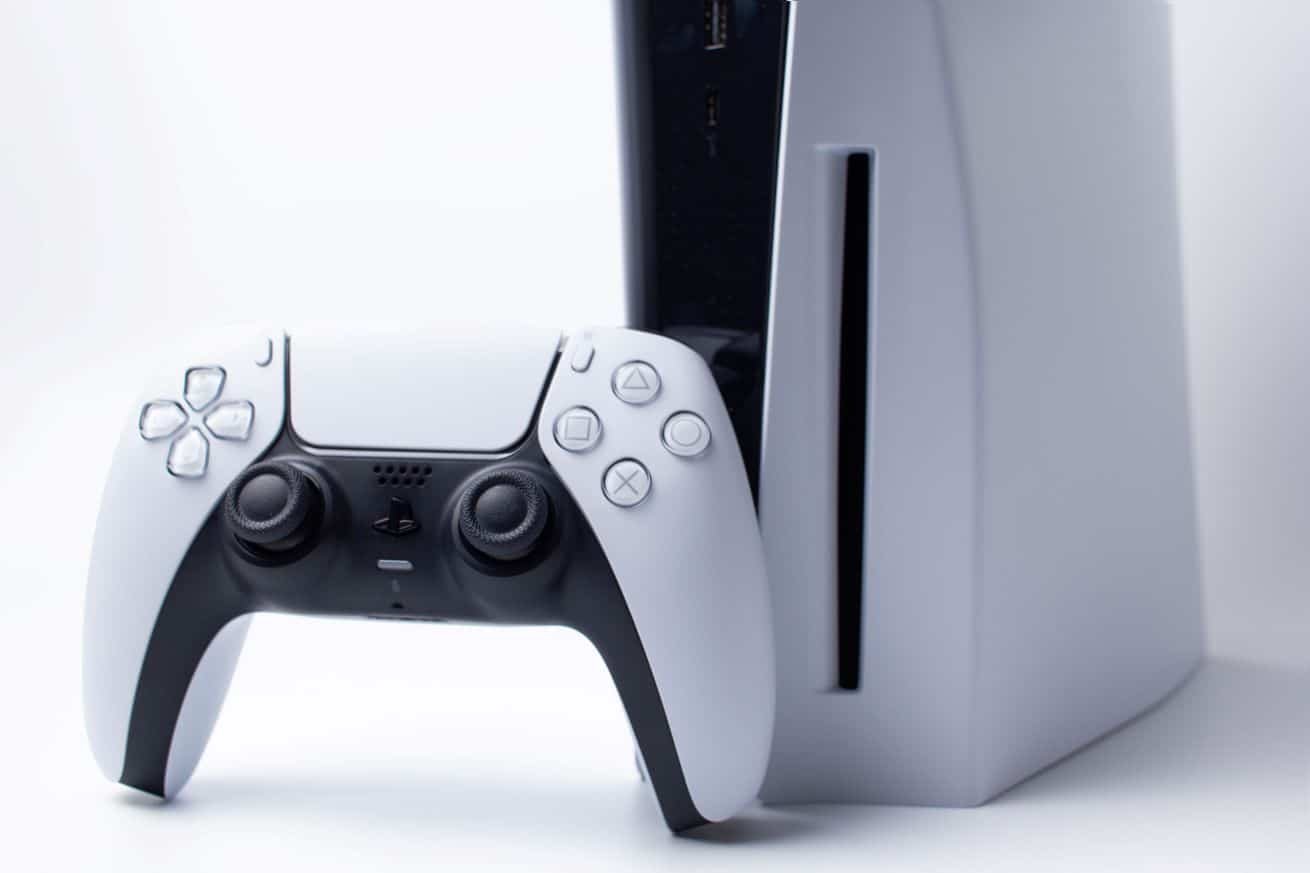
Your PS5 has stopped responding — here’s a concise guide to identify likely causes and apply proven fixes so you can get back to gaming quickly.
Why a PS5 Might Freeze
Freezes can happen at different moments: while loading a game, navigating menus, or even during startup. Several common factors often underlie these interruptions.
- Software issues: Pending updates or system software glitches can destabilize the console.
- Overheating: Poor ventilation or dust buildup can raise temperatures and cause the system to lock up.
- Network problems: Unstable internet connections may lead to freezes, particularly in online play.
- Damaged discs: Scratches or dirt on physical game discs can cause read errors and freezes.
- Insufficient storage: A nearly full internal drive can produce slowdowns and software hangs.
Immediate Steps to Try
Start with basic troubleshooting before moving to more invasive options.
Restart the Console
Simple but often effective:
- Press and hold the power button until the PS5 shuts down completely.
- Wait a few seconds, then power it back on.
This can clear temporary software faults and restore responsiveness.
Check for System Updates
An up-to-date system often fixes known bugs:
- Go to Settings > System > System Software > System Software Updates.
- Download and install any available updates.
Disable Rest Mode
Some users experience freezes when resuming from Rest Mode. To turn it off:
- Open Settings > System > Rest Mode and uncheck the related options to fully disable it.

Test Network Connectivity
If freezes happen during online play, verify your connection:
- Run Settings > Network > Test Internet Connection.
- If issues appear, try restarting your router or switch to a wired connection for more stability.
Free Up Storage
Low free space can impair performance:
- Check available space at Settings > Storage.
- Delete unused games or apps to free up room.
Inspect Physical Game Discs
For disc-based games, ensure the media is clean and intact:
- Wipe the disc gently with a soft, dry cloth.
- If problems persist, try reinstalling the game.
When More Invasive Measures Are Needed
If basic fixes fail, consider these steps — but take precautions before proceeding.
Factory Reset the PS5
Use this only as a last resort. A full reset erases all data, so back up saves first:
- Navigate to Settings > System > System Software > Reset Options > Reset Console.
This restores factory settings and can resolve persistent software corruption.
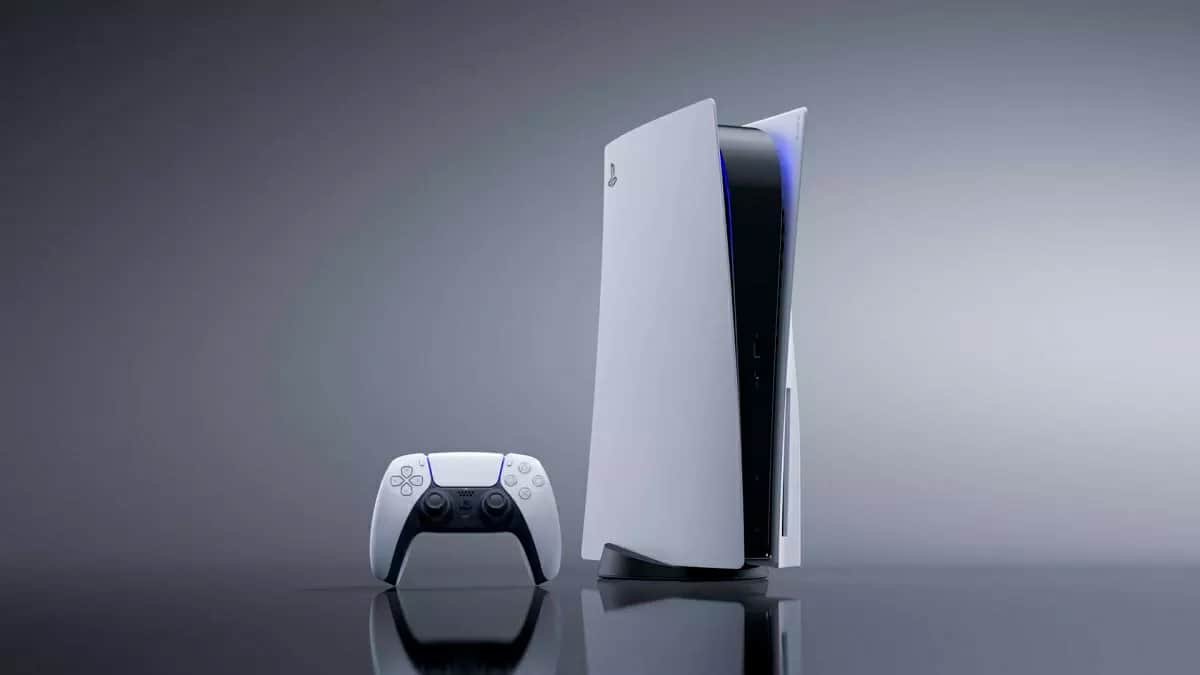
Address Overheating
Reduce heat-related freezes by improving airflow and cleaning the console:
- Place the PS5 in a well-ventilated area away from enclosed spaces.
- Regularly clean air intakes to prevent dust buildup.
If the console feels unusually hot to the touch, power it down and allow it to cool before using it again.
Contact Sony Support if Problems Persist
After trying these steps, if your PS5 still freezes, reach out to Sony’s technical support for further guidance or repair options. Trained technicians can offer model-specific diagnostics and service recommendations.
Tips to Prevent Future Freezes
- Keep the system software current with the latest updates.
- Perform routine maintenance such as cleaning vents and ensuring proper placement for ventilation.
- Avoid filling the internal storage completely; uninstall titles you don’t use.
- Use a stable, high-quality internet connection for online gaming.
Following these troubleshooting and preventive measures should resolve most freezing issues without professional repair. Preserve backups before attempting resets and consult support when hardware faults are suspected.