Sony released a surprise update for the PS5 celebrating PlayStation’s 30th anniversary with a set of limited-time themes and a startup animation modeled on the original PS1 introduction. The package includes five console themes—one for each PlayStation generation from PS1 through PS4—with matching visual and sound effects.
What the 30th anniversary update includes
The update provides five distinct themes that change the PS5 user interface to reflect previous PlayStation generations. Each theme features audio cues inspired by the generation it represents, and the update also replaces the console’s startup sequence with an animation reminiscent of the classic PS1 opening.
Sony indicated the themes and animations are available for a limited time but did not specify an end date.
How to enable the anniversary themes on PS5
Estimated time: 4 minutes.
- Update the PS5 system software. If automatic updates are disabled, download and install the update manually.
- Ensure the console is connected to the internet via Wi‑Fi or Ethernet so the content can be downloaded.
- Allow the PS5 to restart after the update. Follow on‑screen instructions until the system finishes rebooting.
- Observe the startup change. After reboot, the console’s startup animation will reflect the PS1‑style opening.
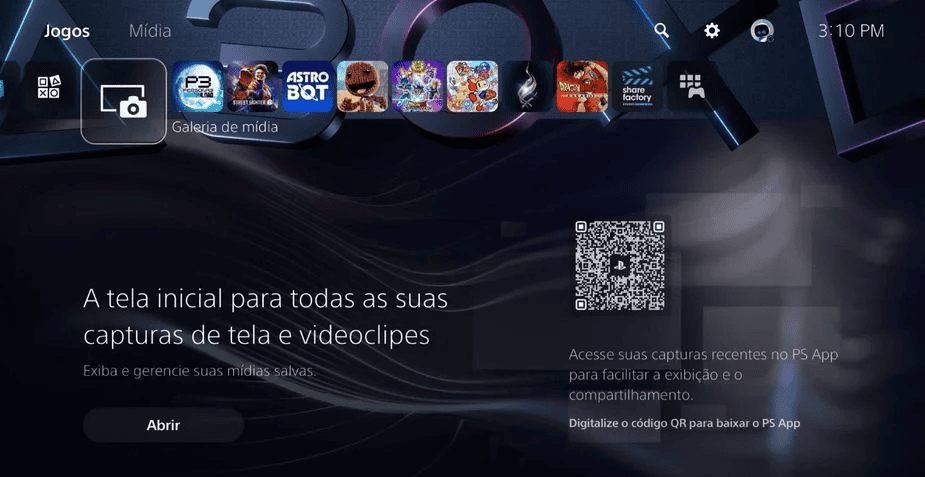
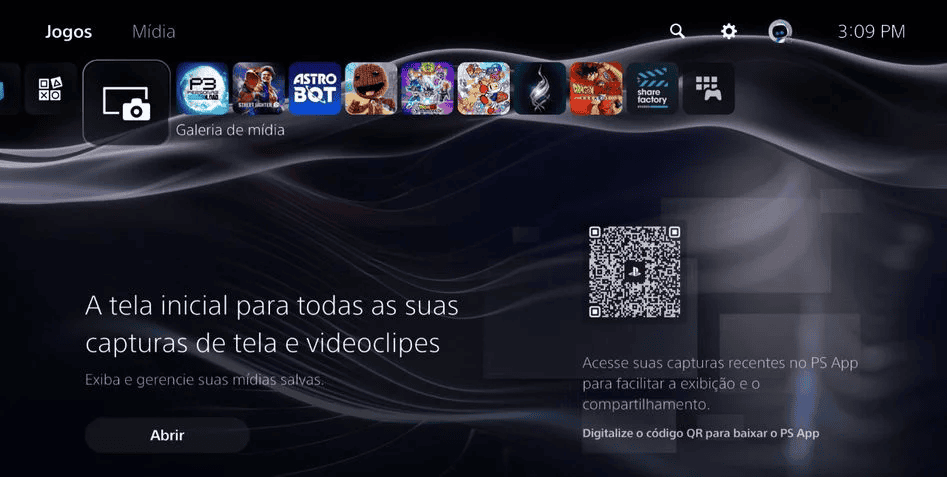
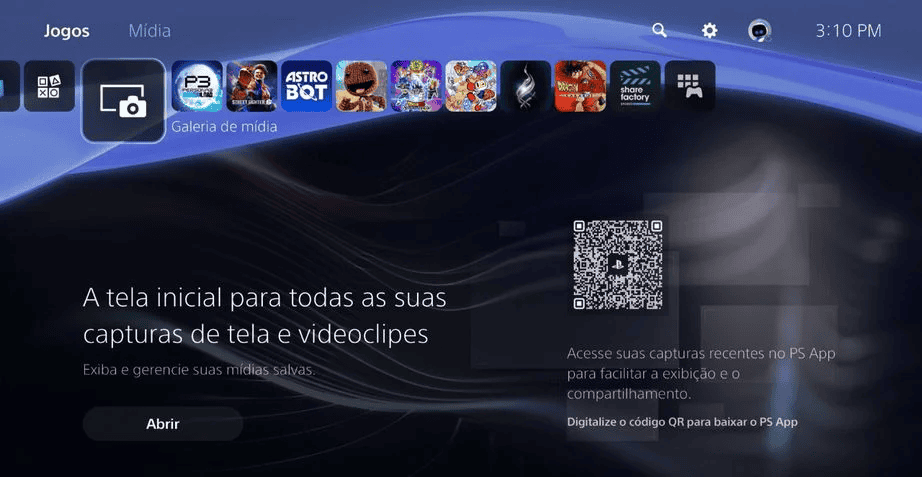
- Open Settings from the home screen. Select the gear icon in the top right corner.
- Choose “30th Anniversary of PlayStation” at the top of the Settings list. This is where the special themes are stored—click the nostalgic “PS” icon.
- Use the menu viewer to browse available themes. A simple menu with a viewer and a single button will appear; click the button to see all special theme options.
- Select a theme to apply it. Pick any available theme to personalize your PS5 for the 30th anniversary.
The five available anniversary themes
The PS5 update offers these themes:
30th Anniversary
PlayStation

PlayStation 2

PlayStation 3
PlayStation 4
Additional anniversary content and promotion
Sony also published a video thanking players for 30 years of support, and a separate anniversary sale is running on the PlayStation Store through December 20, featuring discounted games.