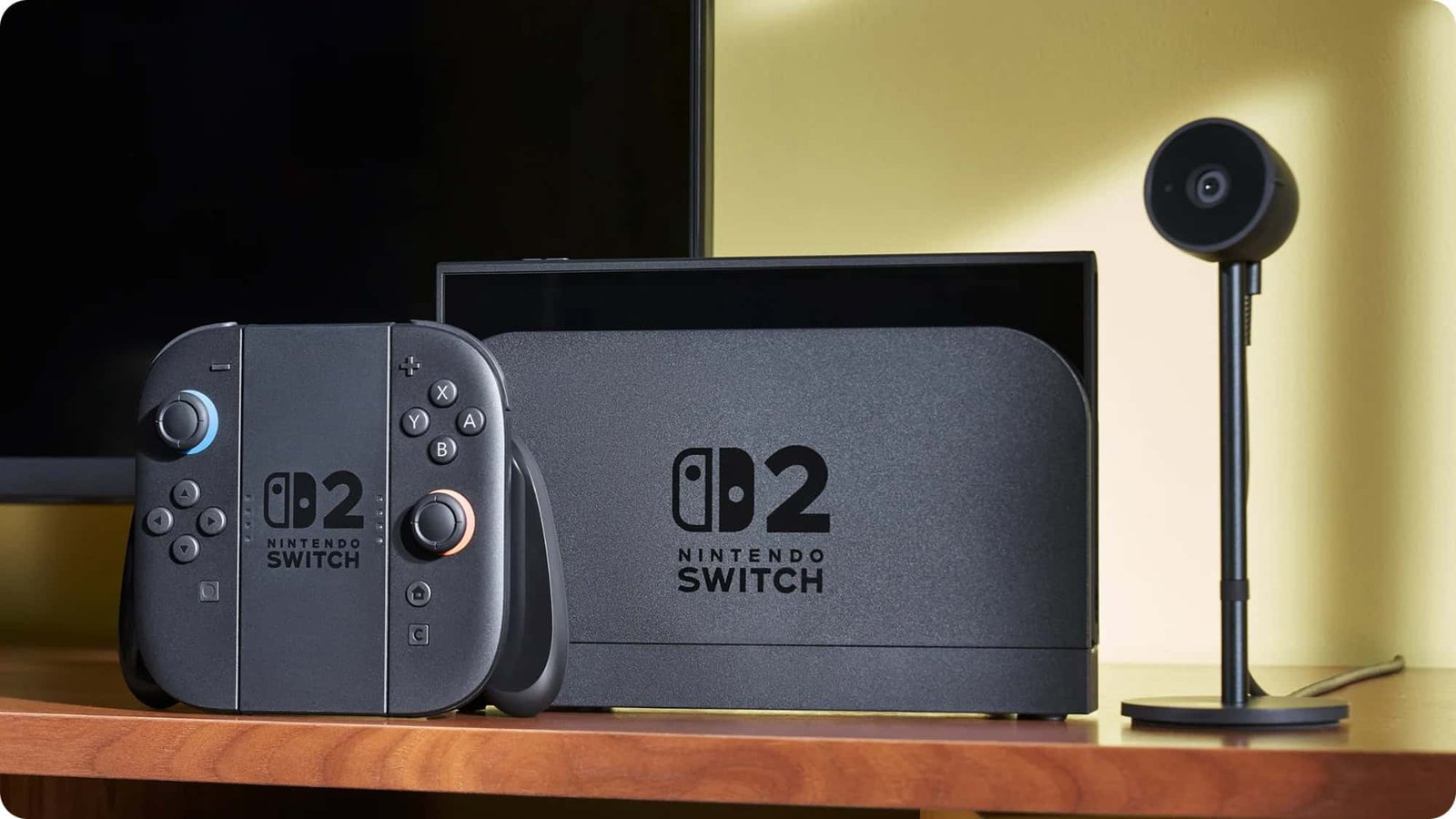
The Nintendo Switch 2 requires microSD Express cards for expanding storage, whereas the original Nintendo Switch continues to support conventional microSD cards. If you own standard microSD cards, they cannot be reused in the new Switch 2, so a microSD Express purchase is necessary to add space to the new console.
What distinguishes microSD Express from conventional microSD?
MicroSD Express uses the same compact form factor as regular microSD cards but adds a different interface and higher throughput. The Express version is marked with the “microSD EX” symbol and delivers faster read and write performance, improving game load times and overall responsiveness on the Switch 2.
Conventional microSD cards typically reach maximum read speeds around 104 MB/s. MicroSD Express cards, depending on their class and other factors, can provide bandwidths up to about 985 MB/s.

Which microSD card should you buy for Switch models?
The Nintendo Switch 2 supports microSD Express cards up to 2 TB. Nintendo’s documentation does not specify required speed classes for the Express cards, implying no specific class distinction is mandated.
The Switch 2 itself includes 256 GB of internal storage, but users who plan to download many games will likely want additional memory via a microSD Express card.
Card compatibility for the original Nintendo Switch
The first-generation Nintendo Switch accepts both conventional microSD and microSD Express cards. For reliable performance, Nintendo recommends cards that meet these requirements:
- Compatibility with UHS-I (Ultra High Speed Phase I);
- Transfer speeds between 60 and 95 MB/s.
Additionally, Nintendo specifies acceptable card types for the original Switch:
- microSD up to 2 GB;
- microSDHC from 4 GB to 32 GB;
- microSDXC of 64 GB or larger.

Source: Ars Technica.