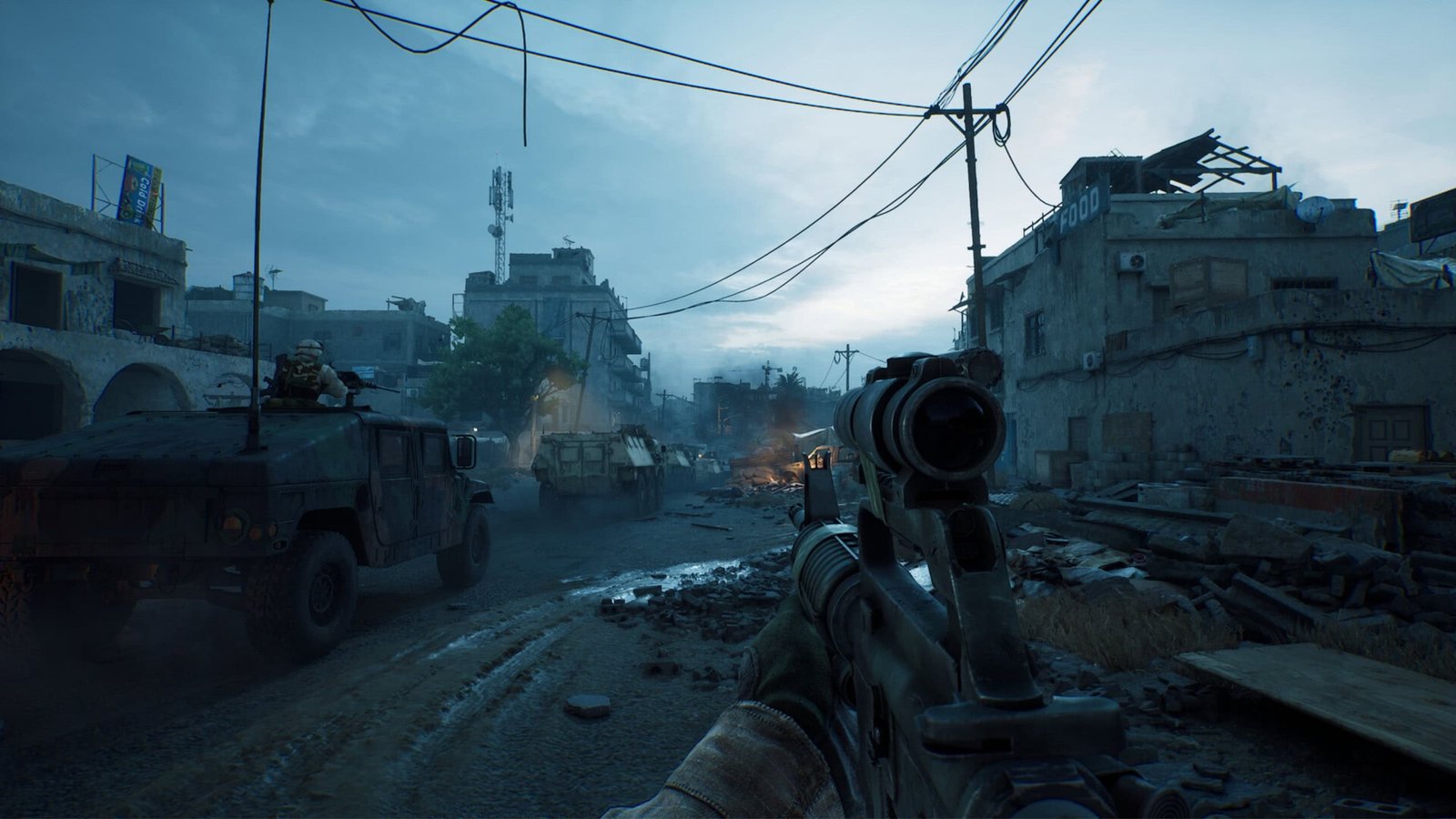
Delta Force, the new free-to-play first-person shooter confirmed in June by developer Team Jade, is now available for PlayStation 5 and Xbox Series X|S and can be downloaded at no cost. Players do not need an additional subscription such as Game Pass or PS Plus to play online.
Where you can download Delta Force for free

Downloading Delta Force is straightforward: sign in to the platform where the game is offered, add it to your library, download, and start playing. The title is available on:
- Xbox Series X|S;
- PS Store (PS5);
- Steam (PC);
- App Store (iOS);
- Play Store (Android).
Performance and upcoming upgrades
The game runs at native 60 FPS with a 1440p resolution on PS5 and Xbox Series X. On Xbox Series S, the resolution is 1080p. Team Jade plans to add improvements in the coming months, including optimized support for PS5 Pro later this year.
Modes included at launch
Delta Force ships with several core experiences. Warface offers large-scale multiplayer battles. The Black Hawk Down campaign, provided as a free day-one DLC, places players in a narrative inspired by military operations. Operations mode focuses on extraction-style survival gameplay.
Crossplay support and limitations
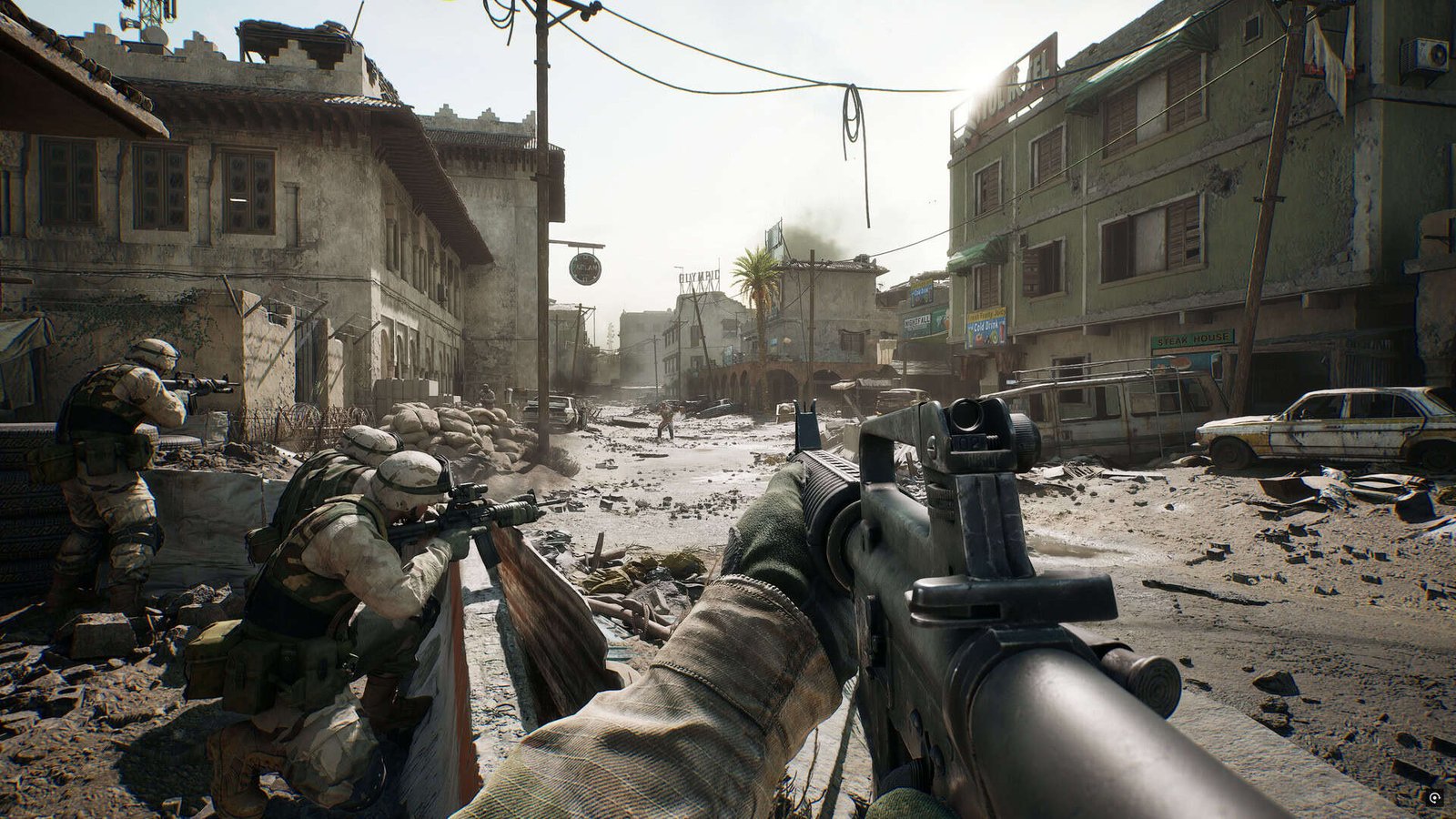
Crossplay is supported between consoles and PC, allowing shared matches across those platforms. Mobile versions on iOS and Android are restricted to playing with each other and do not integrate with console or PC lobbies.
To enable crossplay, players can turn the feature on in the game settings, choosing whether to face console-only opponents or join mixed matches with PC users. On PC, crossplay is always enabled, so PC players will automatically be placed into mixed-platform lobbies.
Early-player rewards
Players who log into Delta Force during the initial days will find exclusive rewards, including bonuses for specific modes and special weapon skins.
Cross-progression and LIPASS account requirement
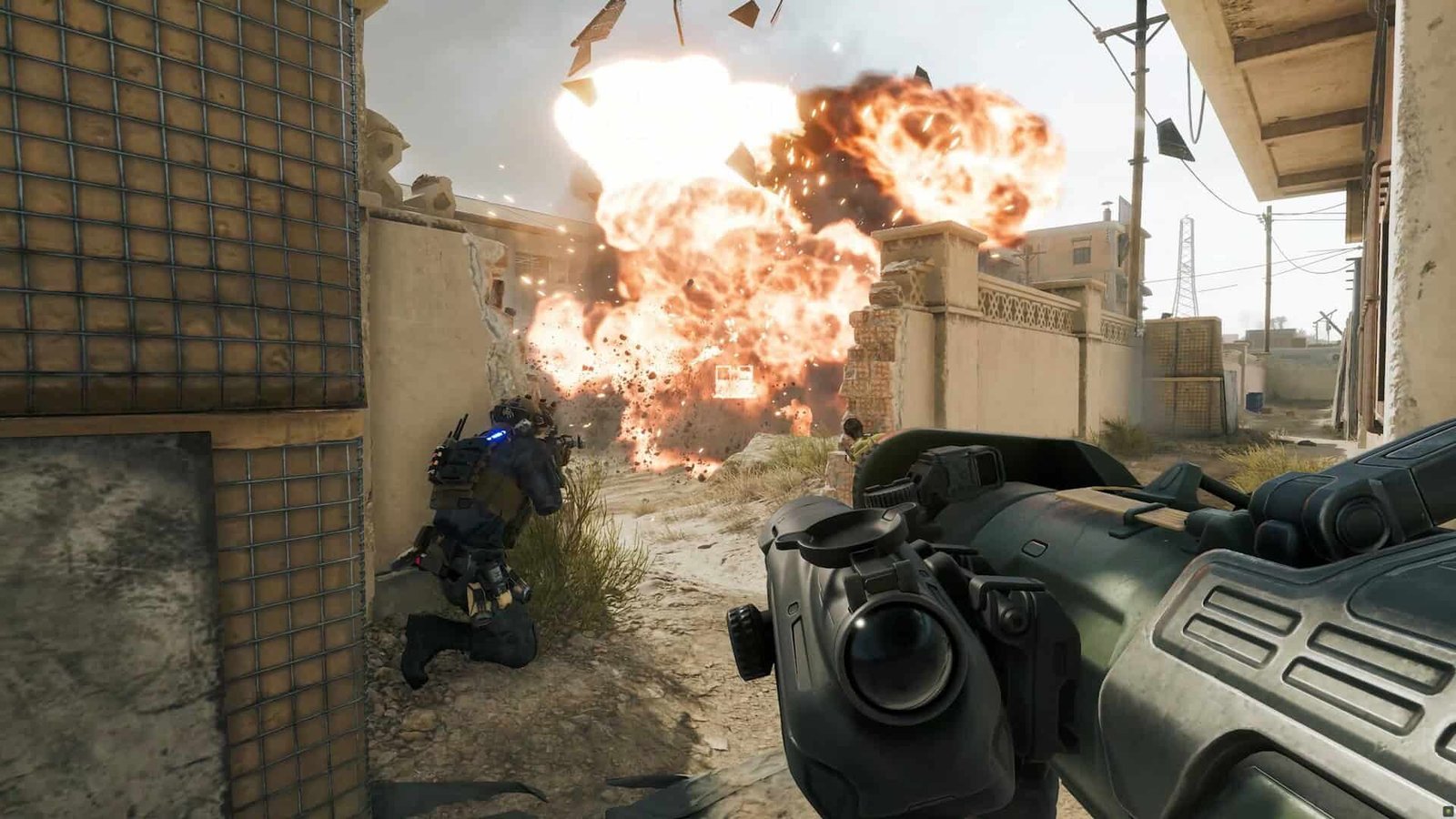
Cross-progression in Delta Force requires linking to a LIPASS account. The system ties progression, items, achievements, and unlocks to that account, so players must connect LIPASS to maintain progress across platforms.
Mobile and PC users must link their LIPASS account to enable cross-progression. Console players are also required to create or link a LIPASS account during their first game launch. If a console user does not connect a LIPASS account at startup, progress will remain local to that device and later migration of items or achievements to other platforms will not be possible.