
Building an effective deck in Pokémon TCG Pocket is essential to perform well in matches. The mobile version uses a 20-card format and simplified mechanics — including automatic energy distribution — so deck construction differs from the physical game and requires a focused approach.
Key rules and deck composition
In Pokémon TCG Pocket (available on Android and iOS), each deck must contain exactly 20 cards and include at least one Basic Pokémon. Players may include at most two copies of any card with the same name, so selections must be strategic to preserve consistency.
As a general recommendation, include five to six Basic Pokémon to reduce the risk of lacking an active Pokémon at the start of a match. Balance among Pokémon and Trainer cards is critical; energy cards are handled differently in this version of the game (see below).
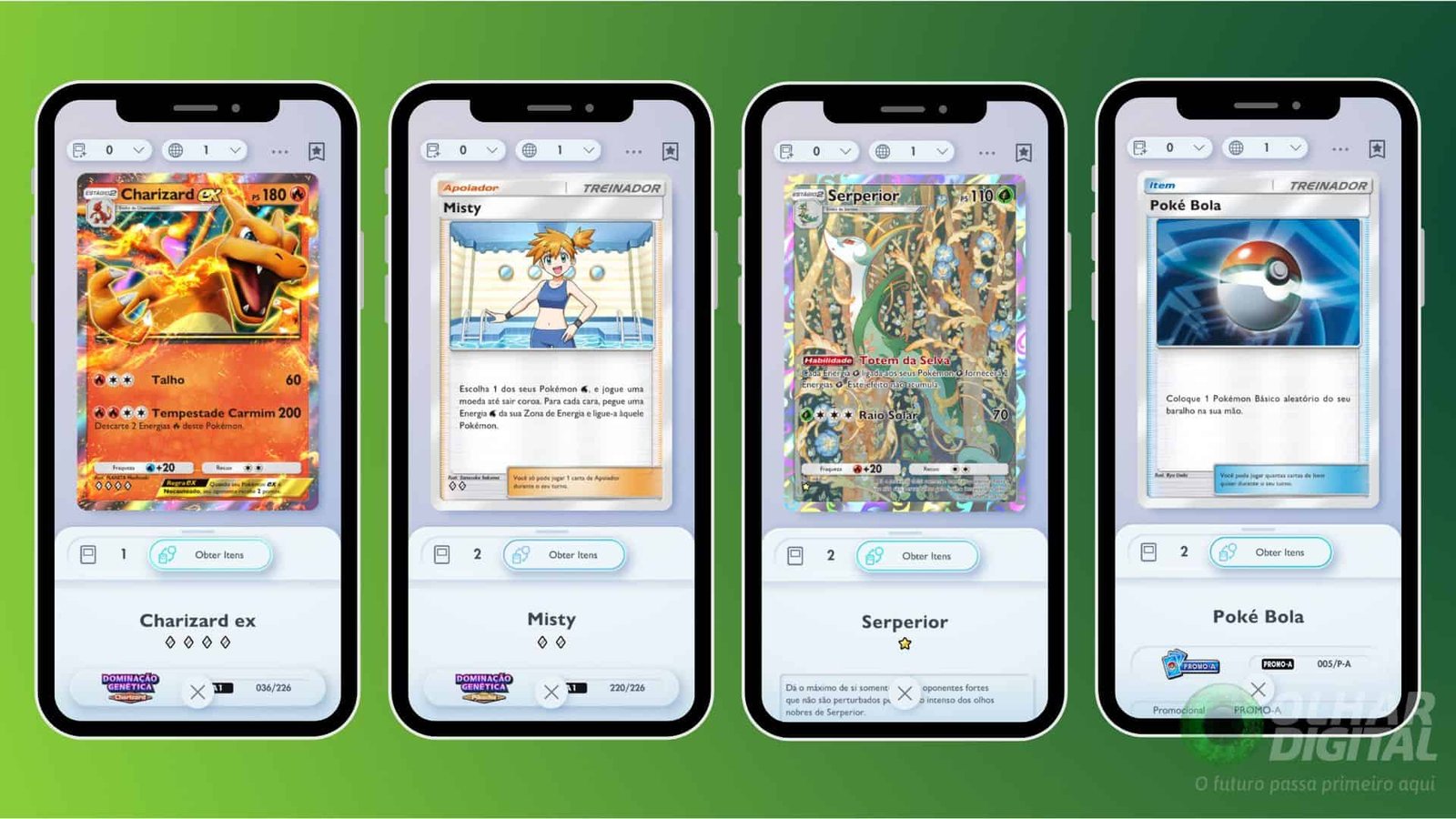
Choosing your main Pokémon and supporting cards
Pick a central Pokémon around which to build your strategy. Decks that revolve around high-damage attackers are common choices; include required evolutions and supporting Pokémon that enhance your primary plan.
Trainer cards increase deck consistency by enabling draw power, searching for specific Pokémon, and manipulating resources. Cards that fetch Pokémon or provide card advantage are particularly valuable in a 20-card format.
Energy system in Pocket and its implications
Unlike the physical trading card game, Pokémon TCG Pocket grants players one energy automatically each turn, removing the need to include energy cards in the deck. This change lets you allocate all 20 deck slots to Pokémon and Trainer cards, but you should still consider attack energy costs when selecting Pokémon.
Maintaining balance and avoiding overcomplication
Avoid including too many evolutionary lines; too many multi-card evolutions can reduce consistency in a small deck. Every card should serve a clear purpose aligned with your strategy — offense, defense, or a hybrid approach — and Trainer choices should support finding and protecting your core pieces.
Step-by-step: creating a deck in the game
Estimated time: 7 minutes
- Access the Decks tab — From the main menu, tap the card icon in the bottom menu, then open “Decks.”
- Create a new deck — Tap the option to create a new deck. If you’ve reached the saved-deck limit, you may need to delete an old deck first.
- Personalize the deck appearance — To change the deck box color, tap “Change,” then the deck box, and select the color associated with your chosen energy type.
- Select deck energy — Tap the “+” button in the Energy area to choose the deck’s energy type. You can also add accessories in the corresponding area. Remember that the game supplies one energy per turn automatically, so you don’t add energy cards to the deck itself.
- Add your main Pokémon and trainers — Tap “Edit,” then the “+” icon to add cards. Choose Pokémon that synergize with your plan, include necessary evolutions, and add Trainer cards that help search, heal, or disrupt. When finished selecting cards, confirm with “Ok.”
- Review and save — Verify the deck follows the rules, appears balanced, and supports the intended strategy. Save the deck to use it in battles.
Testing and tuning your deck
Practice and iteration are essential. Play matches to see how your deck performs, then adjust card choices based on results. Because the meta can shift with new cards and balance changes, periodically revisit your builds to keep them competitive.