Nintendo Switch Online, launched in September 2018, has evolved into a key service for many Switch owners. Subscribers gain access to additional content, online multiplayer features and a library of classic titles that expand what the console can do.
1. Download available DLCs
Some games on the Switch offer downloadable content (DLC) accessible through Nintendo Switch Online. DLCs can add new levels, characters, modes or other features that extend a game’s lifespan.

DLCs vary by title: some are free while others require payment. For example, Mario Kart 8 Deluxe DLCs add new racetracks among other content. Check each game’s store or official pages to see which expansions you can download.
2. Play online with friends
Many Switch games include online multiplayer that relies on a Nintendo Switch Online subscription. If you enjoy competitive or cooperative play, the service enables online matches and sessions with friends across titles.

Popular games that use these features include Mario Kart 8 Deluxe, Monster Hunter Rise and Pokémon Scarlet. Make sure friends are added to your Nintendo account and that your game supports online play to take full advantage.
3. Access classic titles
Subscribers get a catalog of classic games originally released for older Nintendo systems such as Game Boy, SNES and Nintendo 64. This collection provides both nostalgia and additional gaming options.

You can find classic entries from franchises like Kirby and Mario. Many of these titles also support multiplayer, allowing you to play side-by-side or online with a friend depending on the game.
4. Try different controllers
Switch Online supports multiple controller types, letting you tailor controls to the game. For classic titles, using retro-style controllers can recreate an authentic play experience closer to the originals.
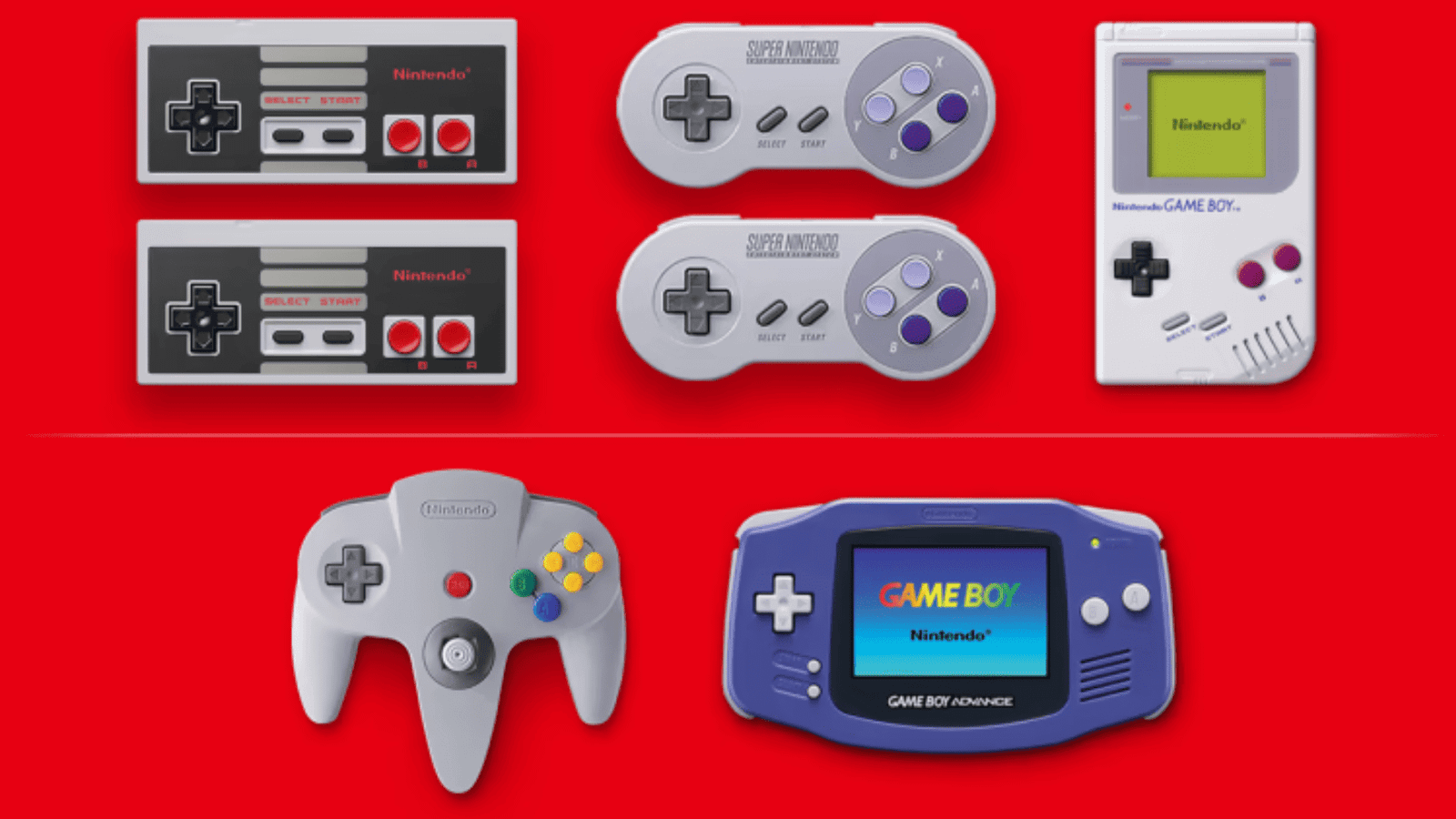
Beyond retro models, the service is compatible with modern options such as the Nintendo Switch Pro Controller, providing alternatives for comfort and precision across genres.
5. Reduce latency for cloud-based play
Cloud versions of games require a steady internet connection. If you experience lag, check whether other household devices are consuming bandwidth — multiple active devices can slow your network.
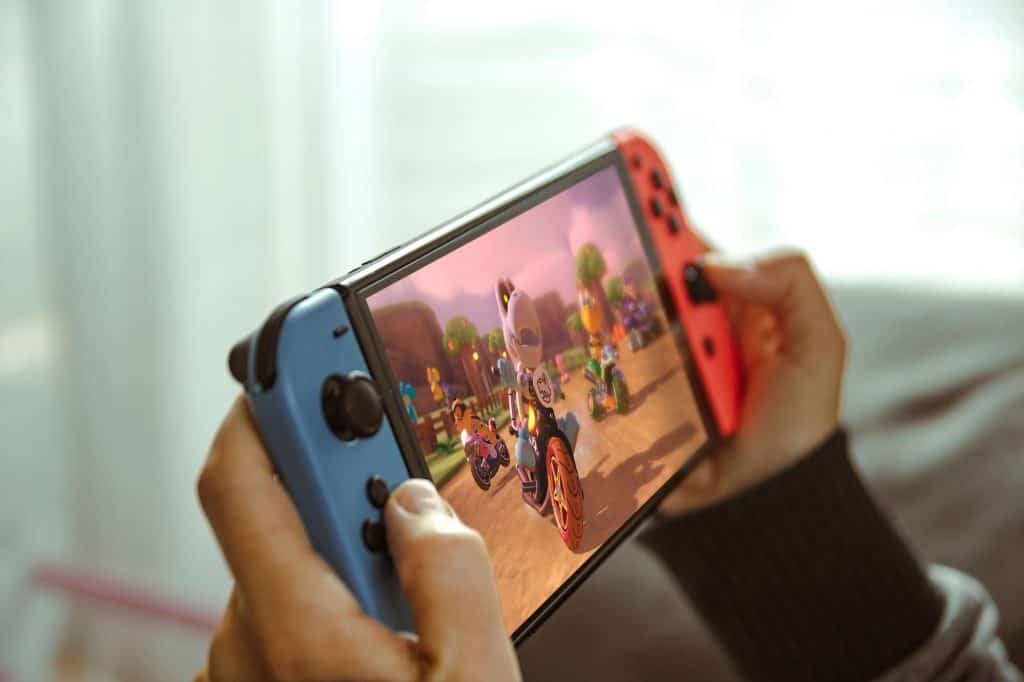
For greater stability, consider a wired connection between the Switch and your router instead of Wi‑Fi. That requires an Ethernet cable and an adapter to connect the Switch to the router, but it can significantly improve performance for cloud-based games.
Applying these steps—installing DLCs, using online multiplayer, exploring classic libraries, experimenting with controllers and optimizing your network—can help you make the most of Nintendo Switch Online.