There are three practical ways to play Xbox games on a Windows PC without owning an Xbox console: using Microsoft’s cloud streaming service, buying and running games through Steam, or installing the Xenia emulator. Each option has different requirements and trade-offs, and a capable PC plus a stable internet connection are important for good performance.
1. Play via Xbox Cloud Gaming
Microsoft launched its game streaming service in 2019 under the name Xbox Cloud Gaming. The platform works on a subscription model—similar to a streaming video service—where you sign up, choose a plan, and gain access to a library of games to stream to your device.
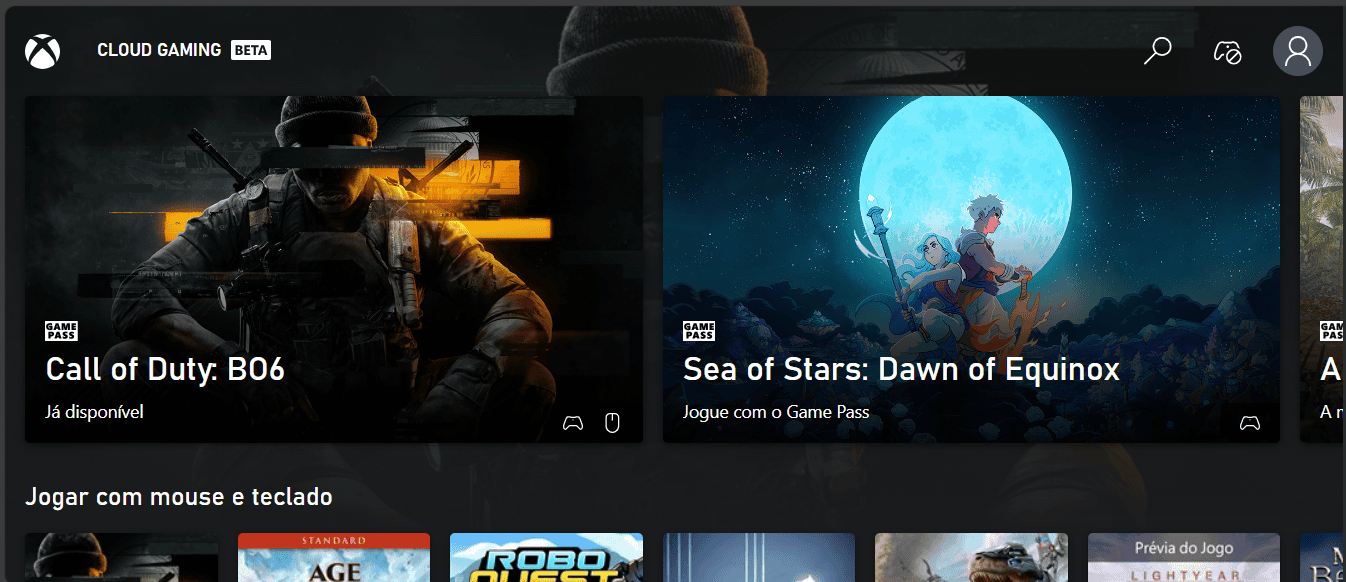
After subscribing, you can download the Xbox app on your PC and sign in with your account to access cloud titles. Because games stream over the internet, a very stable and fast connection is recommended. The article advises using a wired Ethernet connection rather than Wi‑Fi for the best experience.
Check the service’s official requirements to confirm whether your device meets the compatibility and hardware criteria.
2. Buy and run games through Steam
Steam is a large digital storefront where you can create an account, purchase games, and either play them through the platform or download them to your PC. The Steam catalog is broader than the Xbox Cloud Gaming selection and includes titles from many publishers, including some PlayStation games available on PC.

On Steam you can register for free and play certain free-to-play games, or buy only the specific titles you want to install. This route lets you run native PC versions of games, avoiding the latency constraints of streaming, but requires that the specific Xbox titles you want are offered for PC on Steam.
3. Run Xbox titles with the Xenia emulator
Emulators are programs that mimic a console’s hardware environment so games from that console can run on other devices. Xenia is an emulator that targets Xbox games and can be installed on a Windows PC.

To use Xenia, you download the emulator, obtain the game file (ROM) for the title you want, and open that file within Xenia. The article notes a key limitation: emulation may not reproduce games as smoothly or accurately as playing on the original console or via cloud services.
Despite potential compatibility and performance issues, Xenia can be useful when a desired title is not available through Xbox Cloud Gaming or Steam but a ROM exists online.