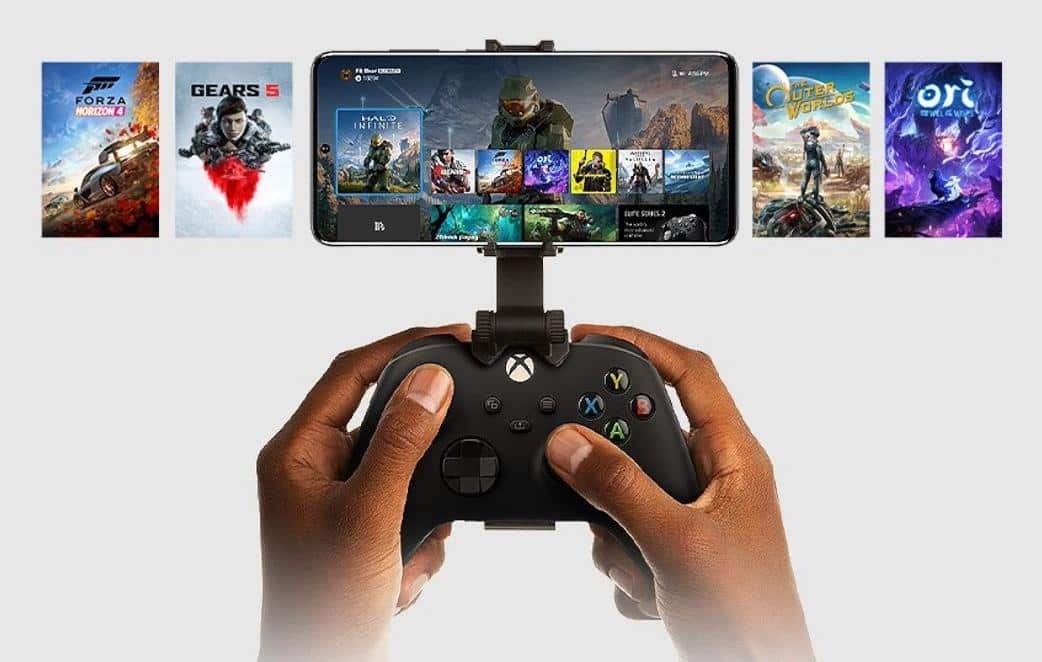
Microsoft has released Xbox Remote Play for all Android smartphones, allowing users to stream games from an Xbox One console to a phone. The feature was previously limited to Xbox Insider testers and is now available through the Xbox Beta app on Google Play.
What you need to start streaming
To use Remote Play, install the Xbox Beta app from Google Play and pair a compatible Xbox controller to your smartphone via Bluetooth. Microsoft recommends both the console and the phone be on a 5 GHz 802.11ac Wi‑Fi network for the best experience.
The console and phone do not strictly need to be on the same network: with a sufficiently fast connection, you can access and play games on your Xbox from a remote location.
How streaming works
All game processing runs on the Xbox One; the smartphone simply receives video and audio while sending controller inputs back to the console. This approach places the heavy workload on the console rather than the phone.
Controller compatibility
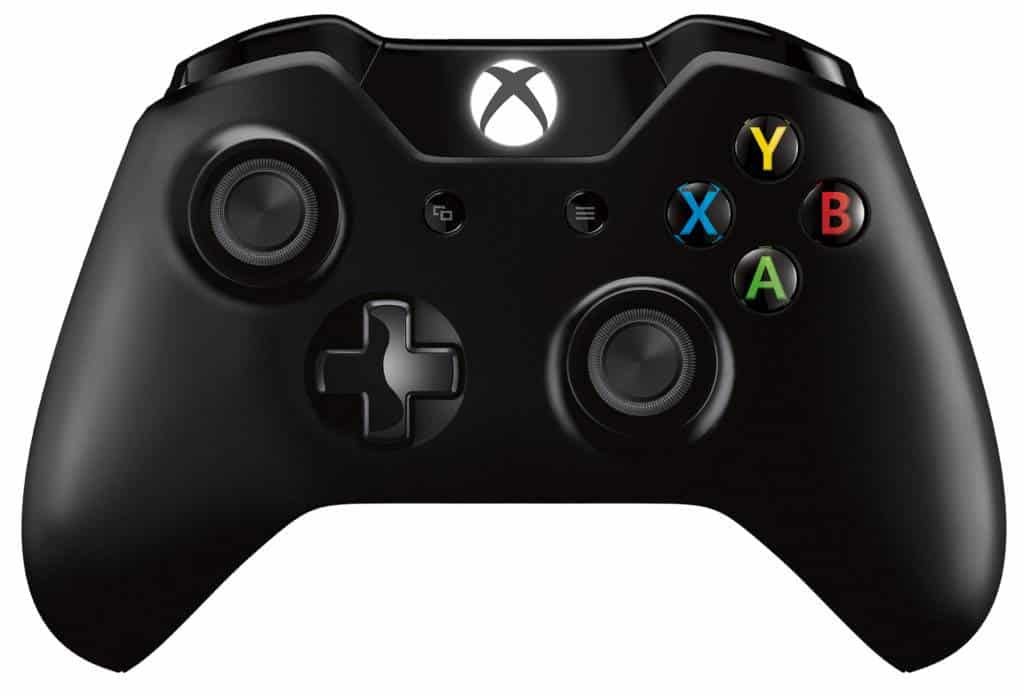
Not every Xbox One controller is supported. Microsoft notes that the very first model of the Xbox One controller cannot be used with Remote Play.
Additional app features
The Xbox Beta app also supports voice chat with other players, sharing images and clips captured on the console, and managing the game library, including installing and uninstalling titles remotely.
Availability and requirements
The Xbox Beta app is available for free on Google Play here and runs on devices with Android 6.0 or later.
Source: Microsoft