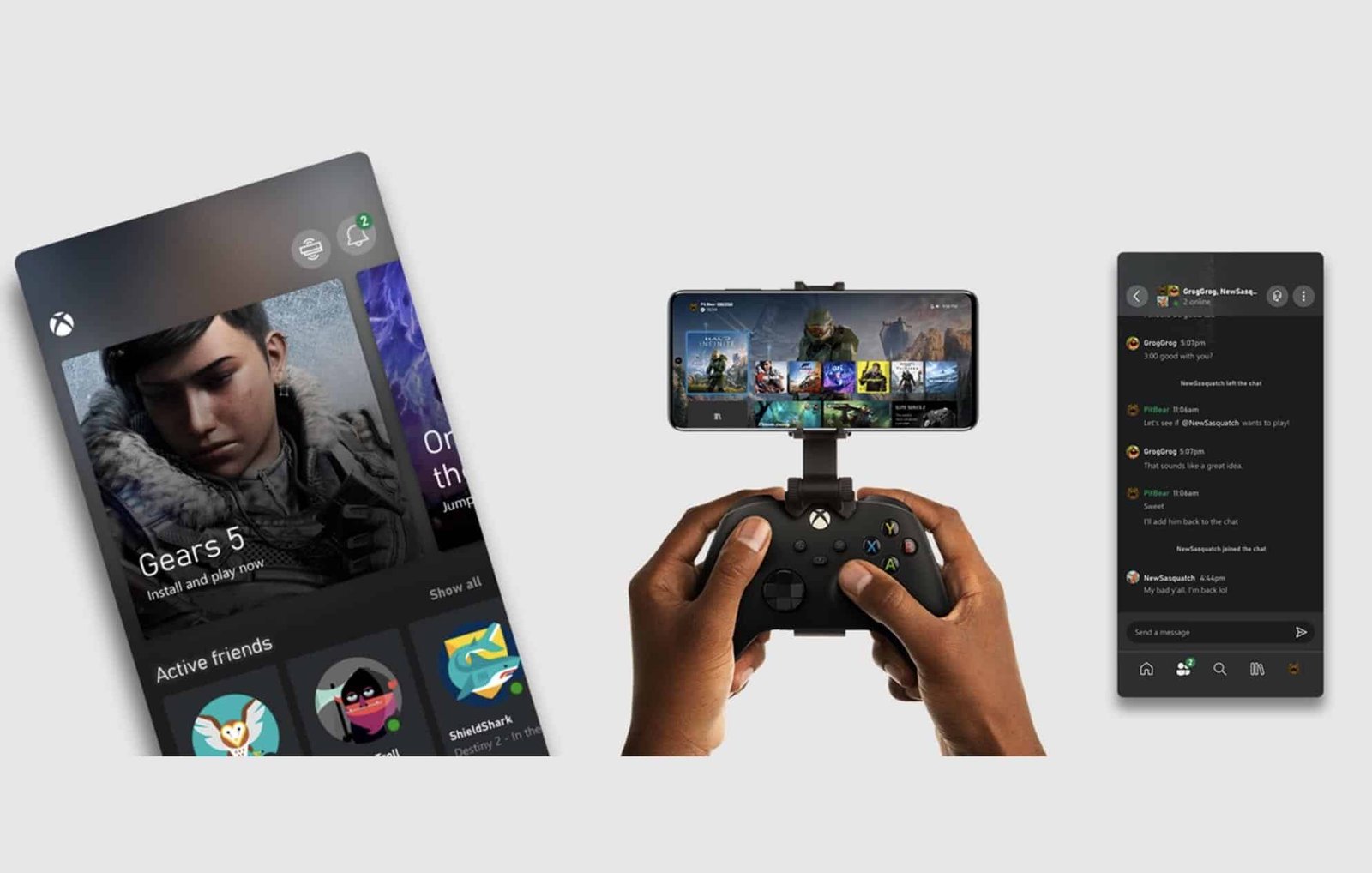
Microsoft announced on Friday, June 25, that the Xbox app (Beta) now supports streaming Xbox One games to Apple iPhones and iPads. The feature, previously rolled out for Android, was introduced under the name “Xbox Console Streaming.”
What the updated Xbox app (Beta) does
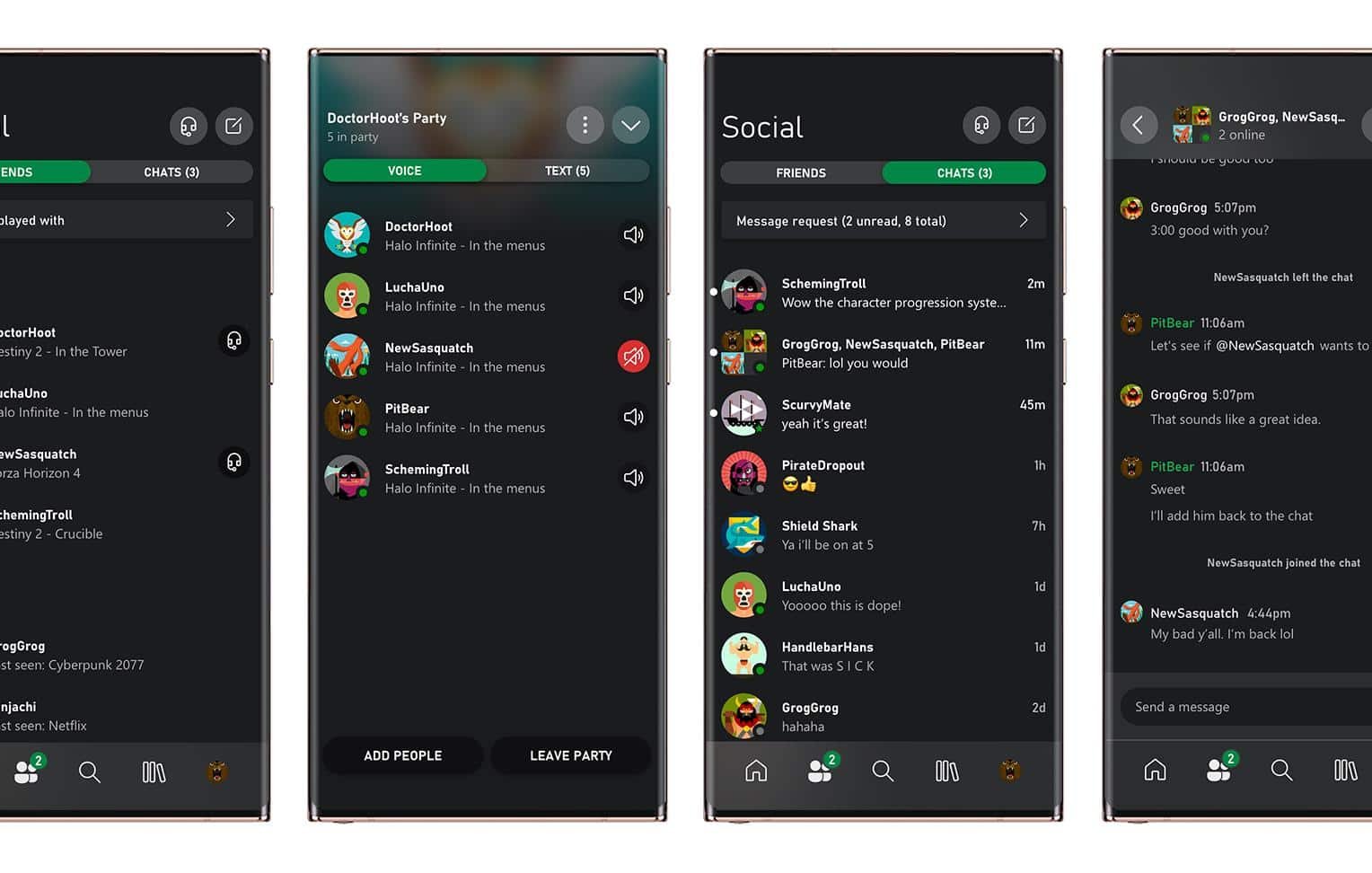
The rebuilt Xbox app, released Monday, June 21, offers voice and text chat, sharing of in-game screenshots and clips, a redesigned notifications area and additional features. Its primary function is to stream games from a user’s own Xbox One console to a mobile device or tablet.
How streaming works and recommended setup
Microsoft recommends connecting the mobile device to a 5 GHz Wi‑Fi network (802.11ac) for the best experience. In principle, the console acting as the streaming “server” does not need to be on the same network as the mobile device; the Xbox must simply be powered on and connected so it can run the games while the phone or tablet sends controller input.
Beta access and availability
With this update, Microsoft removed the requirement that users join the Xbox Insider program to test beta features. The Xbox app (Beta) is available for free on the App Store and Google Play.
How this differs from Microsoft’s cloud streaming
The company clarified that the new Xbox app (Beta) is distinct from xCloud. The app’s streaming feature uses the user’s own console as the server, while xCloud is a cloud-based streaming service where Microsoft hosts the game server remotely.
Context: competing streaming services
Microsoft’s move comes amid a growing market for game streaming. Google launched Stadia last year, charging US$ 9.99 per month for access to its game catalog. Nvidia offers GeForce Now, and Amazon announced Luna yesterday, a service priced at US$ 6 per month during early access.
Amazon’s Luna will be available on mobile devices (Android and iOS), PCs, Macs and Amazon hardware such as Fire TV.
Source: Microsoft/Xbox