Twitch streaming has reappeared on the Xbox dashboard as of Wednesday, the 23rd, following recent updates from Microsoft. The integration is now available again across all generations of Xbox consoles.
Where to find the Twitch option on Xbox
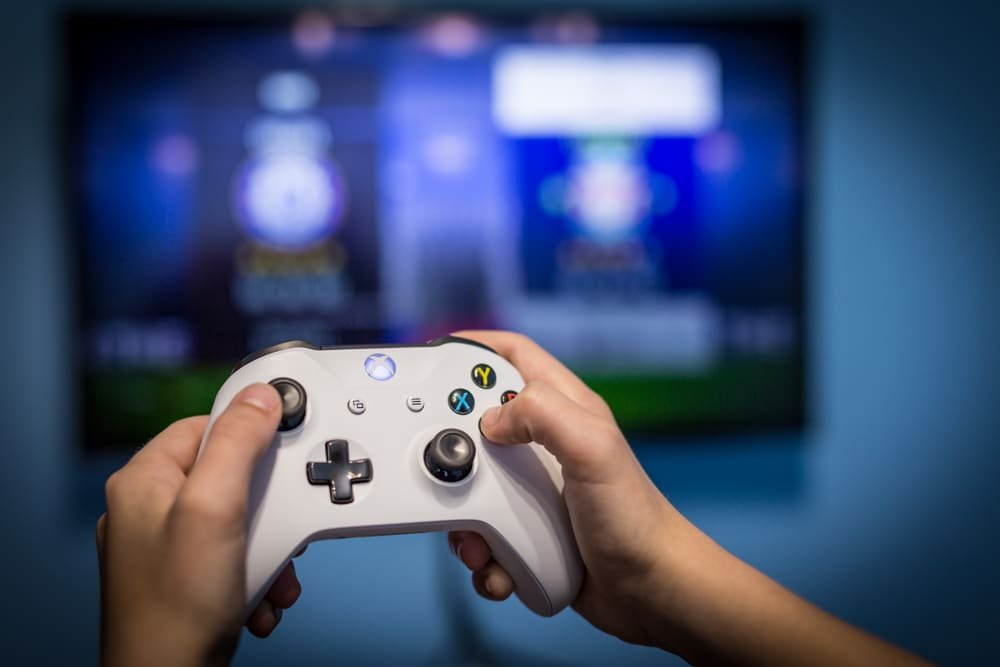
The Twitch functionality appears in the Capture & Share section of the Xbox Guide. To start streaming, users must link their Twitch account. Once connected, the console supports headphones and webcams and offers controls for game and microphone audio, the ability to include friends’ audio, and manual configuration of resolution and bitrate.
History of Twitch on Xbox
Twitch first integrated with the Xbox One in 2014 through a Snap interface that allowed players to broadcast directly to the service. Microsoft later removed the Snap feature, but ongoing collaboration between the companies has made direct integration possible again.
Why this matters for gamers
Having Twitch accessible from the Xbox dashboard simplifies livestreaming gameplay, similar to the experience on PlayStation. Twitch, launched in 2011, focuses on video game content and live competitions and remains one of the most prominent platforms in the gaming community.
Recent moves by Twitch
Beyond gaming, Twitch has been expanding partnerships. The platform recently announced deals with Universal Music Group and Amazon Music, signaling additional developments in music-related content.
Getting started
Users who want to stream from their console need only link their Twitch account via the Capture & Share tab in the Xbox Guide to access the available streaming settings and devices.