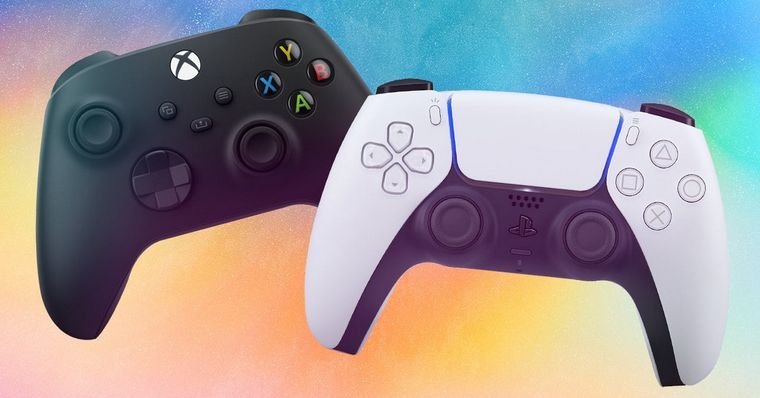
Apple’s iOS 14.5 adds official support for PlayStation 5 and Xbox Series X/S controllers, allowing users to pair DualSense and Xbox wireless controllers with iPhones and iPads without workarounds.
How to pair an Xbox Series controller
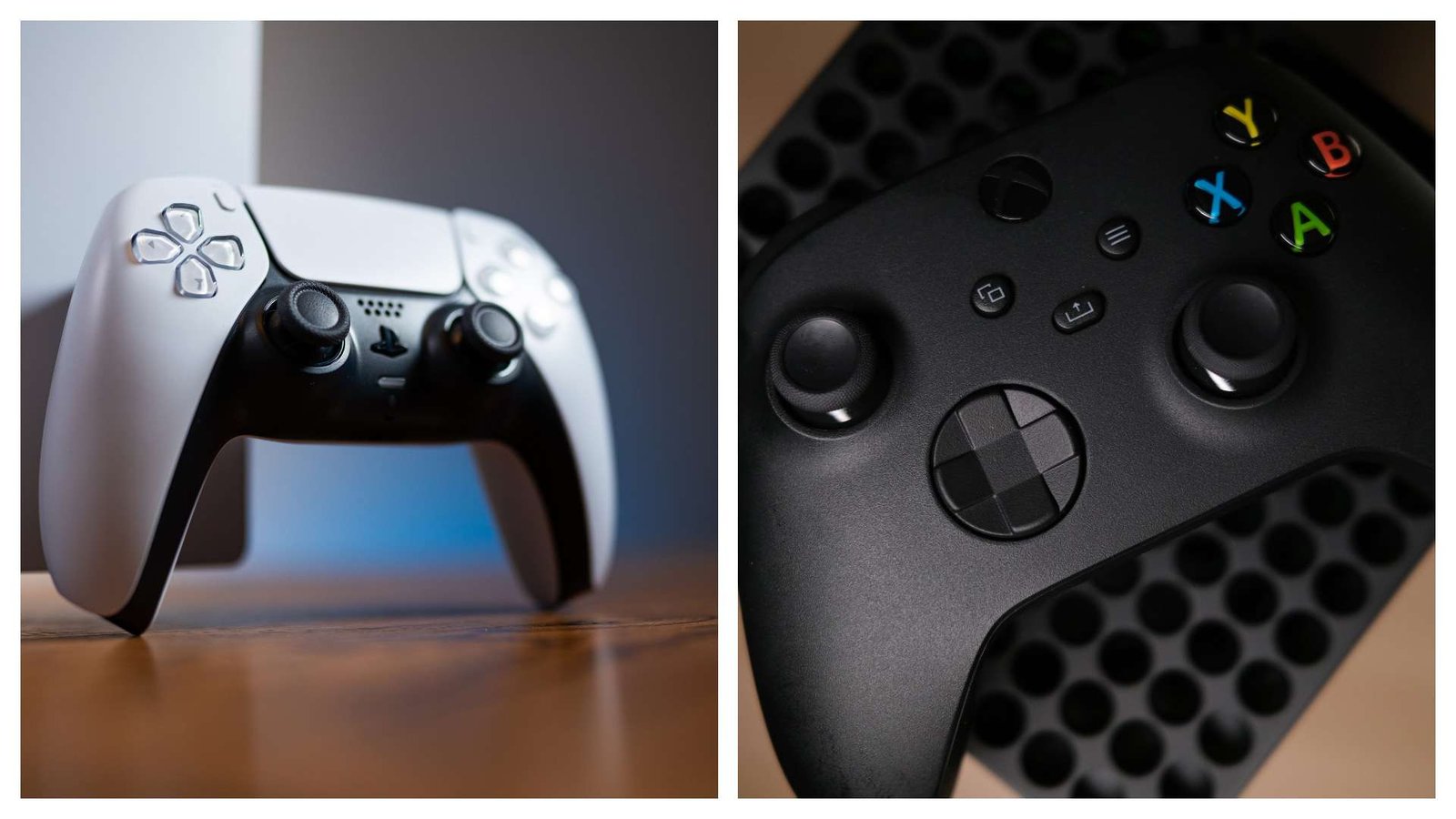
To use an Xbox Series X/S controller with iPhone or iPad running iOS 14.5, enable Bluetooth on the iOS device and put the controller into pairing mode:
- With iOS 14.5 installed, turn on the Xbox controller and press the central “Xbox” button;
- Open Bluetooth on the iPhone or iPad;
- Press and hold the small round “Pair” button on the top of the controller;
- When the controller appears in Bluetooth settings, select “Xbox Wireless Controller” to connect.
How to pair a PS5 DualSense controller
Pairing the DualSense follows a similar Bluetooth process with slightly different buttons:
- With iOS 14.5 installed, turn on the DualSense and press both the “Share” and central “PlayStation” buttons at the same time until the controller’s light blinks;
- Turn on Bluetooth on the iPhone or iPad and locate the controller in the device list;
- Select “DualSense PS5” in Bluetooth settings to complete the connection.
Why this matters
The timing of native controller support coincides with ongoing tests of Xbox Cloud Gaming, Microsoft’s browser-based streaming option for bringing Xbox games to iOS devices. With controller compatibility built into iOS 14.5, players can use physical gamepads instead of touchscreen controls when streaming or playing compatible games.
Other iOS 14.5 features
iOS 14.5 also includes additional changes: the ability to unlock iPhones with an Apple Watch, new Siri voices, more emojis and improvements to 5G data usage. For further details, see the linked source.
Source: Eurogamer
Have you watched our videos on YouTube? Subscribe to our channel!