Xbox gift cards can be redeemed to add prepaid credit for purchases across the Microsoft Store, including subscriptions (Xbox Live Gold, Xbox Game Pass), games, movies and downloadable content. Codes are 25 characters long, alphanumeric, and formatted as five groups of five characters. Below are three simple methods to redeem those codes: directly on an Xbox One console, via the Microsoft Store on a Windows 10 PC, or from a smartphone or other device using the redeem website.
Redeem on Xbox One
Microsoft occasionally updates the Xbox One interface, so where the Redeem option appears may change. If the official help page does not match your console, use this current sequence to find the redeem screen:
1. Turn on the Xbox One and confirm you are signed into the Microsoft account where you want the credit applied.
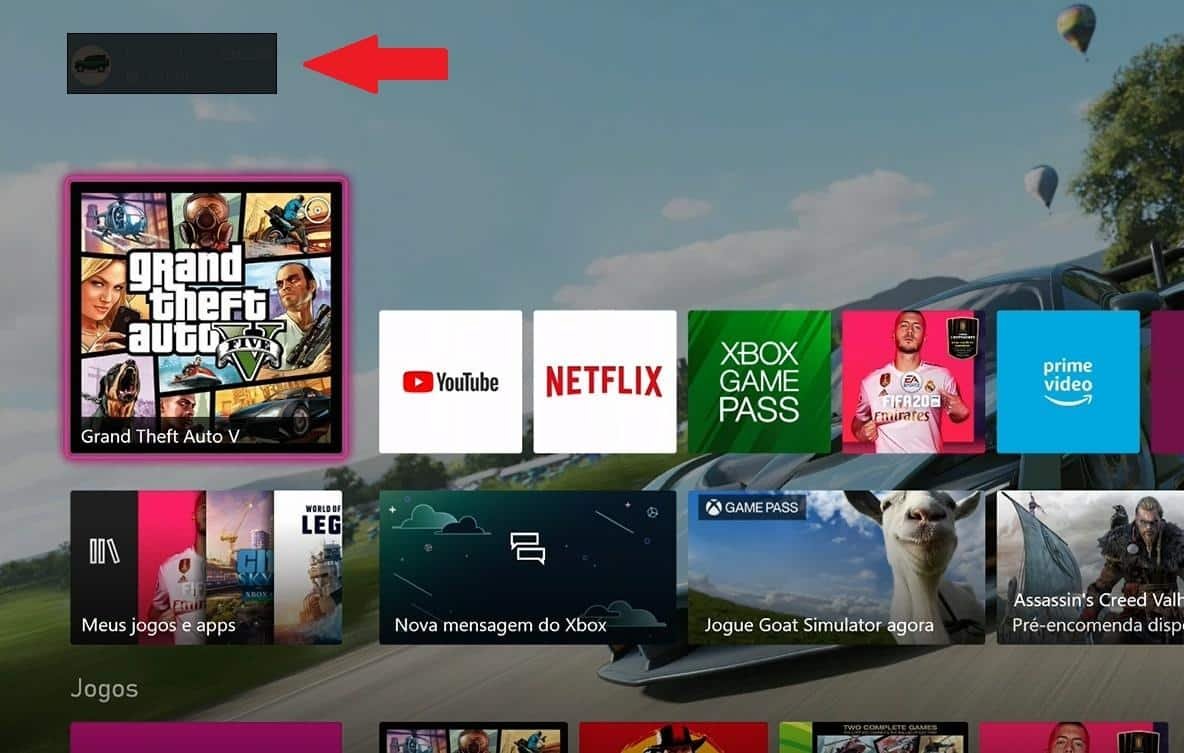
2. Press the Xbox button on the controller to open the guide panel and select the Microsoft Store icon in the lower-left corner.
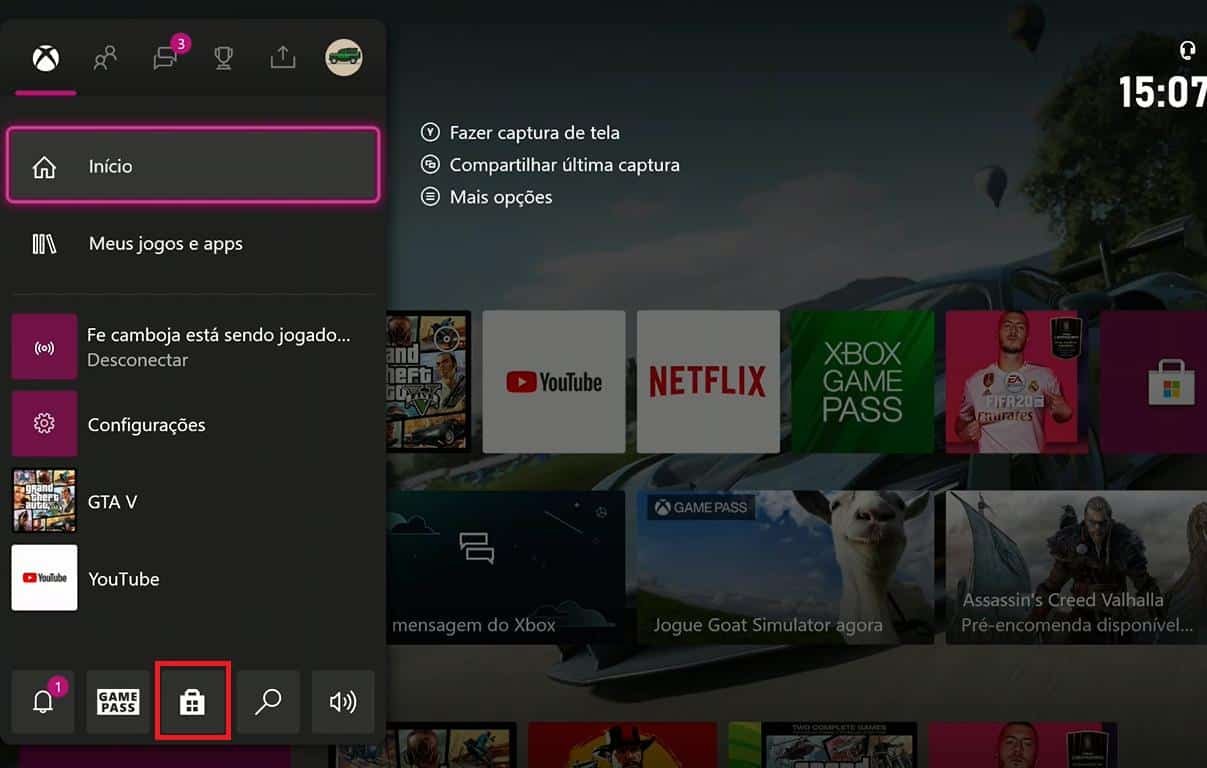
3. In the Microsoft Store, open the left-side menu to view store options.
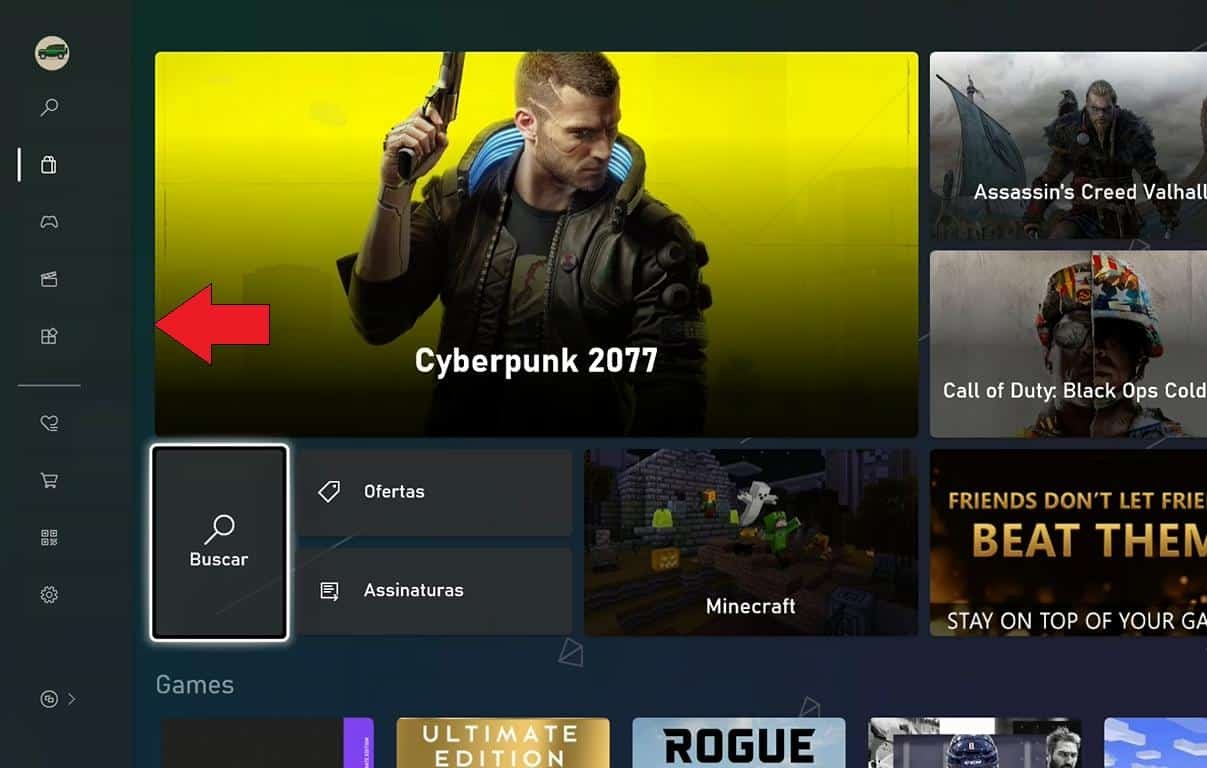
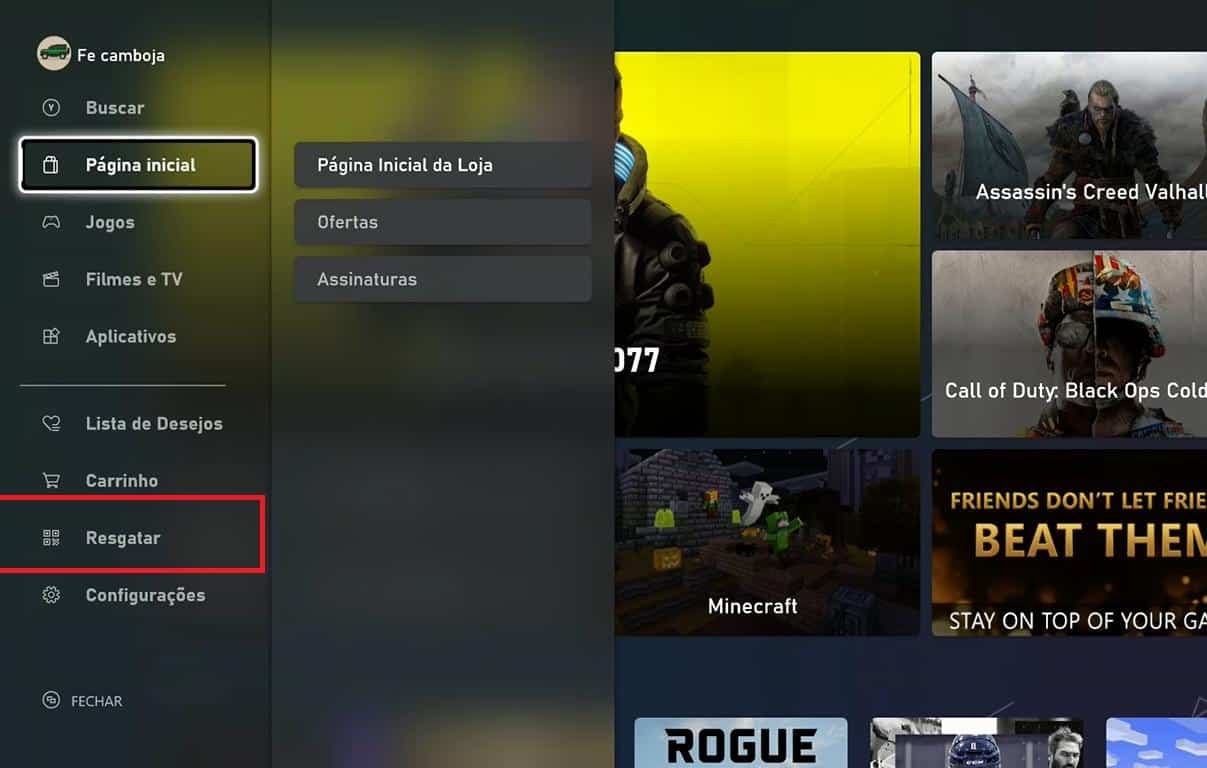
4. Choose “Redeem.”
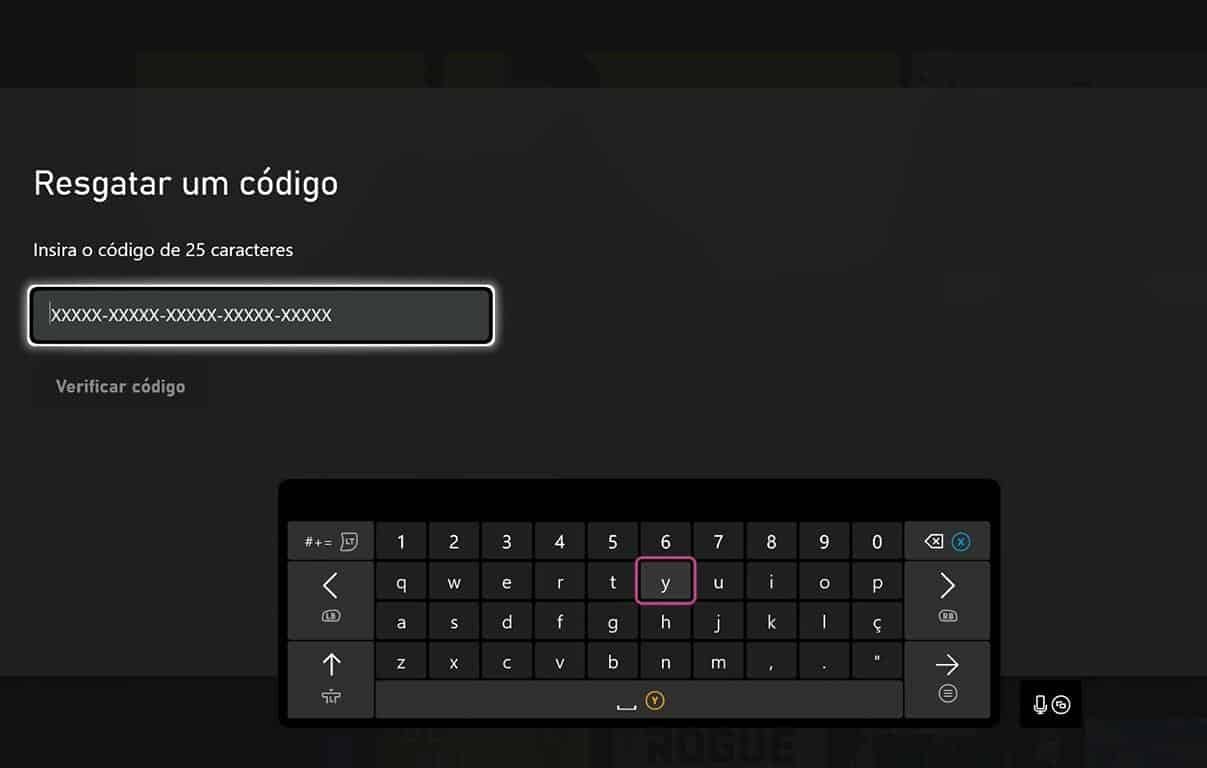
5. Enter the full 25-character code (format 5×5) and follow the on-screen prompts to complete the redemption.
Redeem on a Windows 10 PC
If you use Windows 10, you can redeem a code through the Microsoft Store app. Users on other operating systems can use the redeem website instead (redeem.microsoft.com).
1. Sign into the Microsoft account you want to credit on your PC.
2. Open the Microsoft Store from the Start menu.
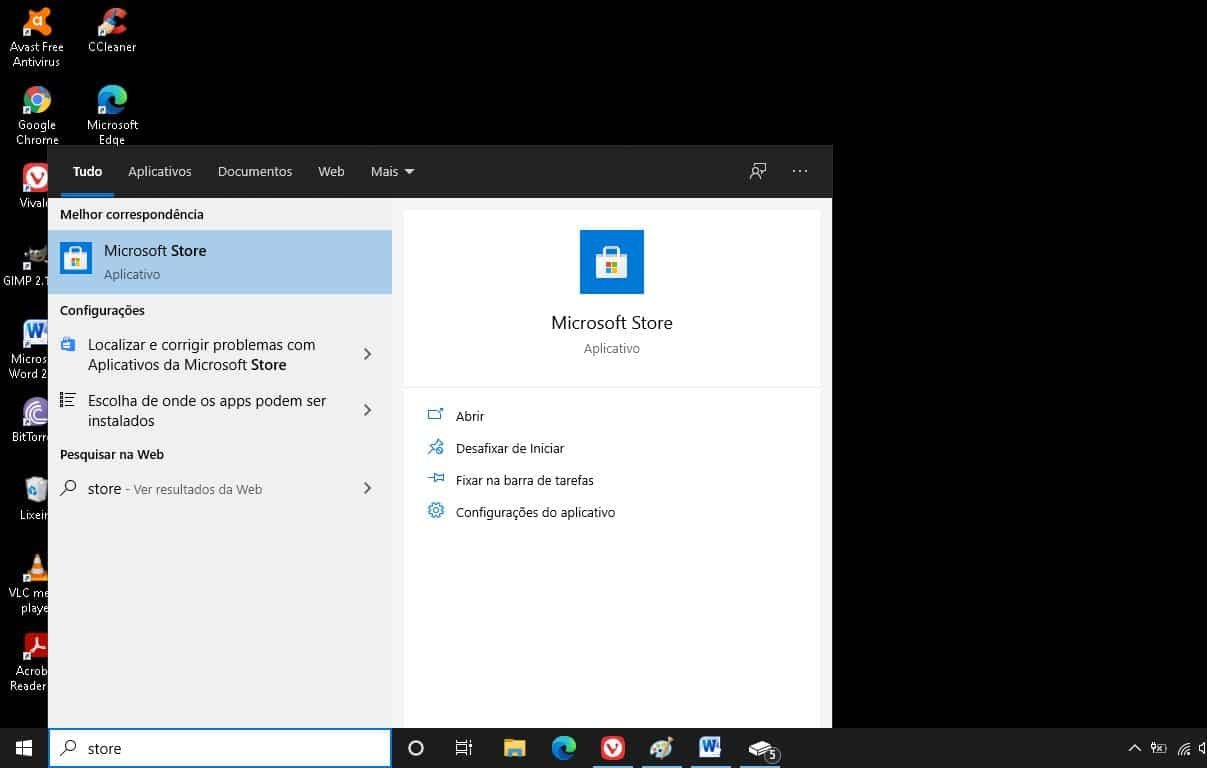
3. Click the ellipsis (“…”) in the upper-right corner of the Store app.

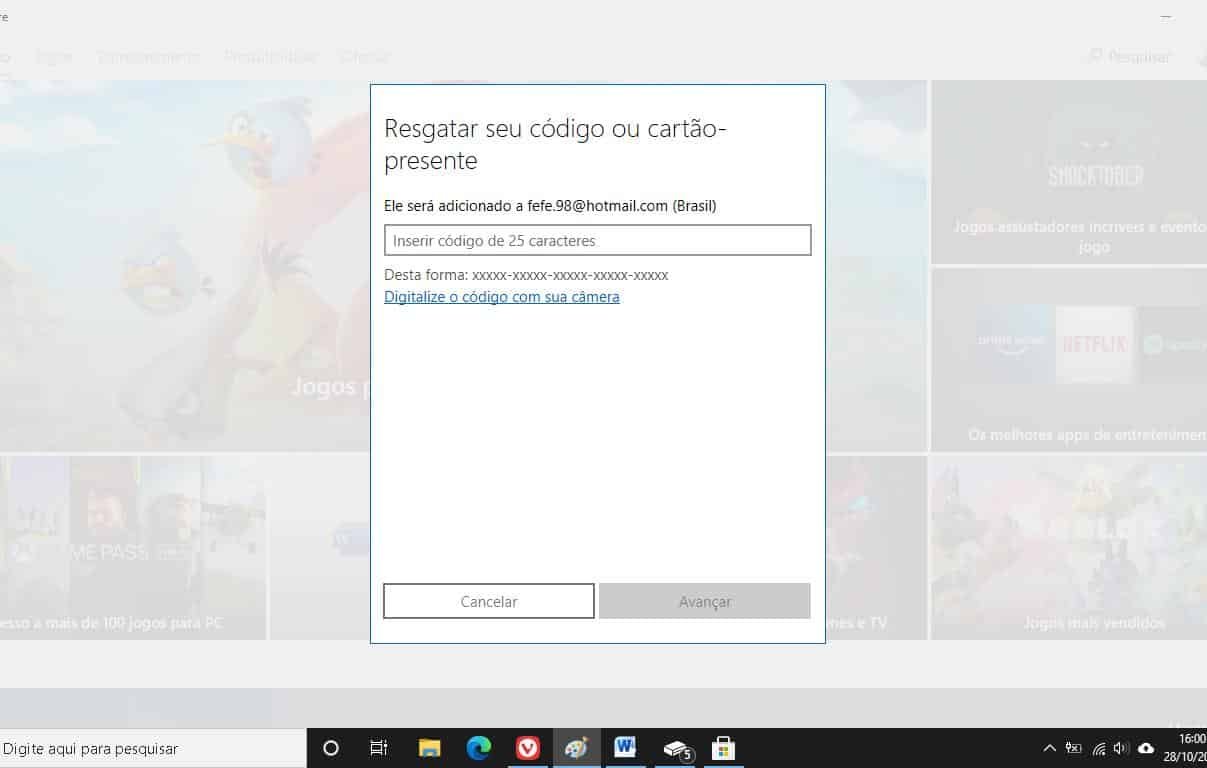
4. Select “Redeem a code.”

5. Type the 25-character code or scan it with your camera if the option is available, then follow the instructions to apply the credit.
Redeem on iOS, Android or other mobile devices
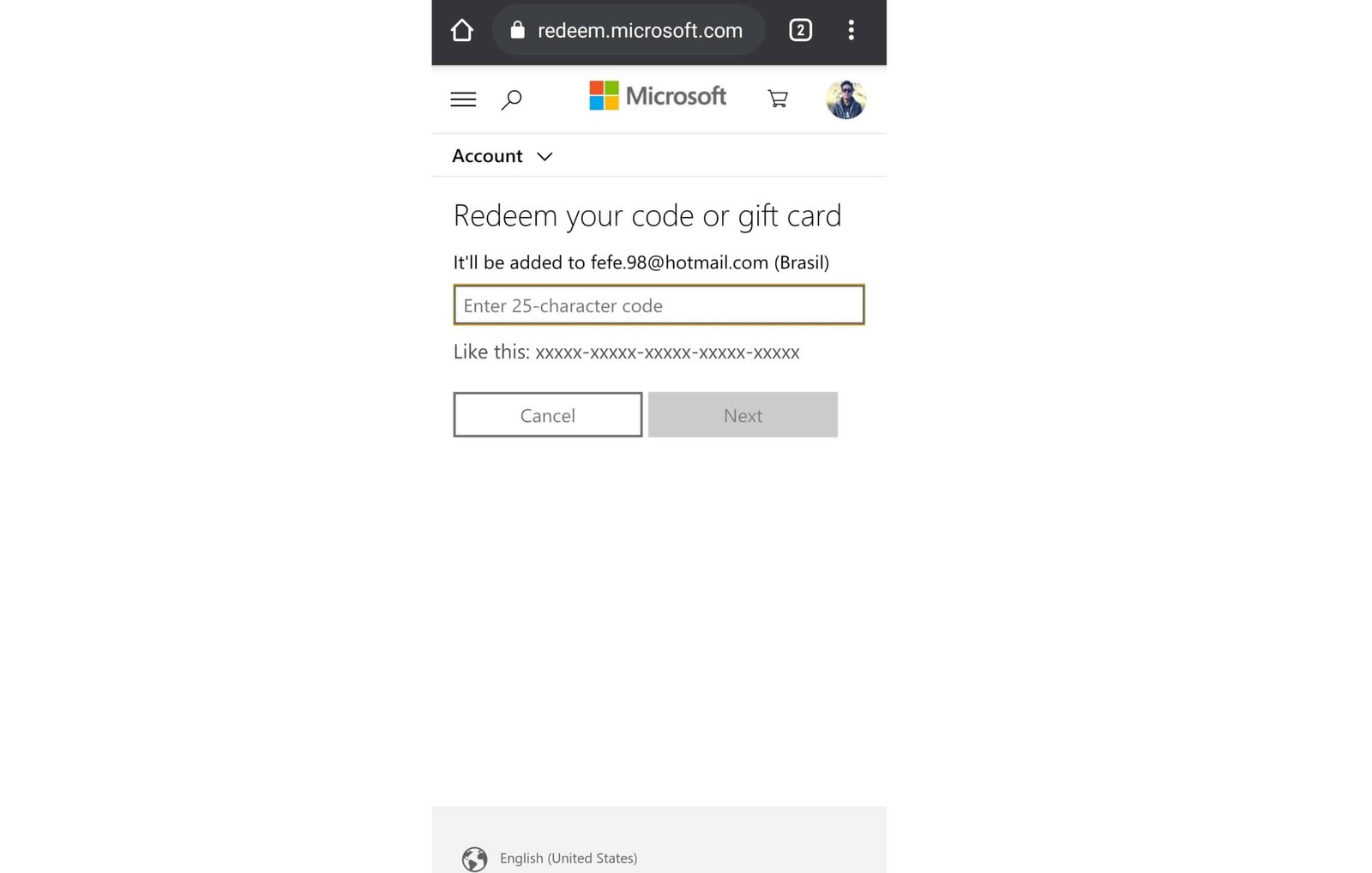
At the time this article was published, the Xbox app no longer provides access to the Microsoft Store redeem feature. To redeem from a smartphone or other device, open a web browser and go to redeem.microsoft.com.
1. Open your preferred mobile browser.
2. Visit redeem.microsoft.com and sign in with the Microsoft account you want to credit.
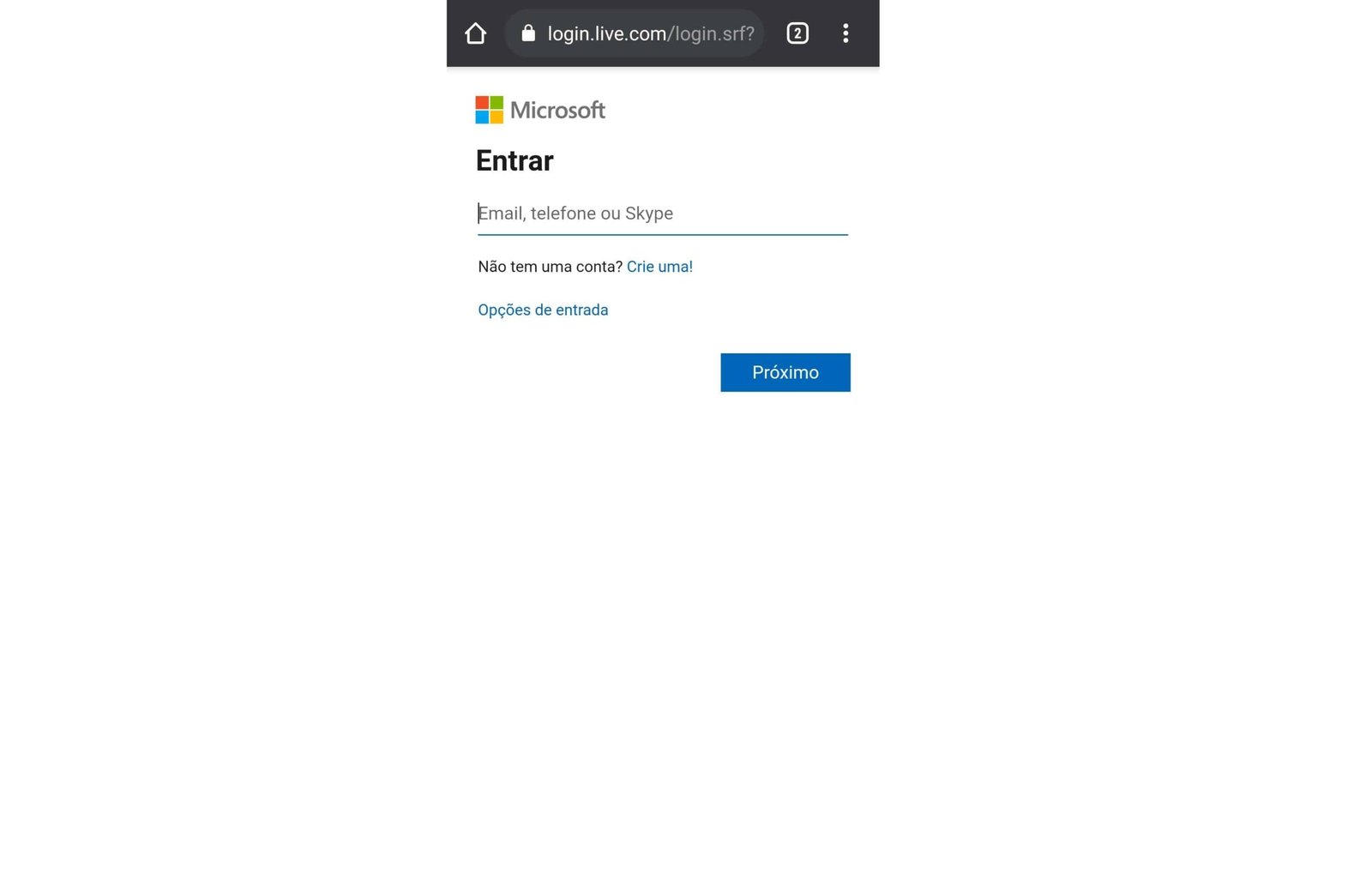
3. Enter the 25-character code in the field shown and follow the site’s prompts to finish the redemption.