Microsoft released two new consoles with different target audiences: the Xbox Series X, positioned as the high-performance option, and the smaller, more affordable Xbox Series S. Tests reveal meaningful performance and usability improvements across both models while highlighting distinct design and feature trade-offs.
Design and build
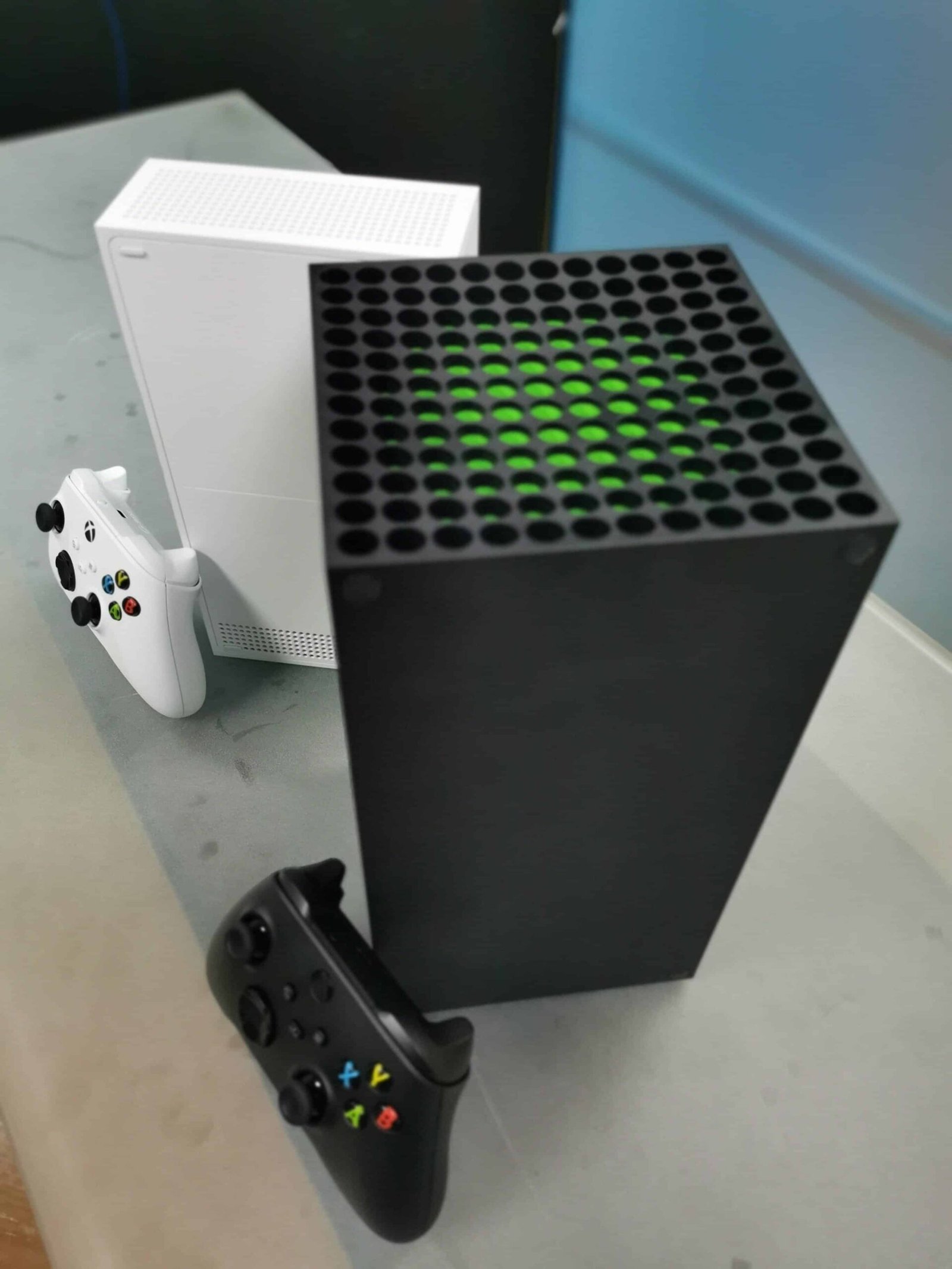
The Xbox Series X is substantially larger than previous generation models, weighing nearly 4.5 kg and available only in matte black. Its finish picks up fingerprints easily but does not show dust prominently. The front face includes a single USB port, a disc drive and a mechanical power button that clicks when pressed.

The rear panel houses two additional USB ports, the proprietary storage expansion slot, the power input and the HDMI output. Cables remain largely concealed whether the console sits horizontally or vertically. The integrated base for vertical placement is fixed but unobtrusive and keeps the system stable; horizontal placement also benefits from anti-slip supports.
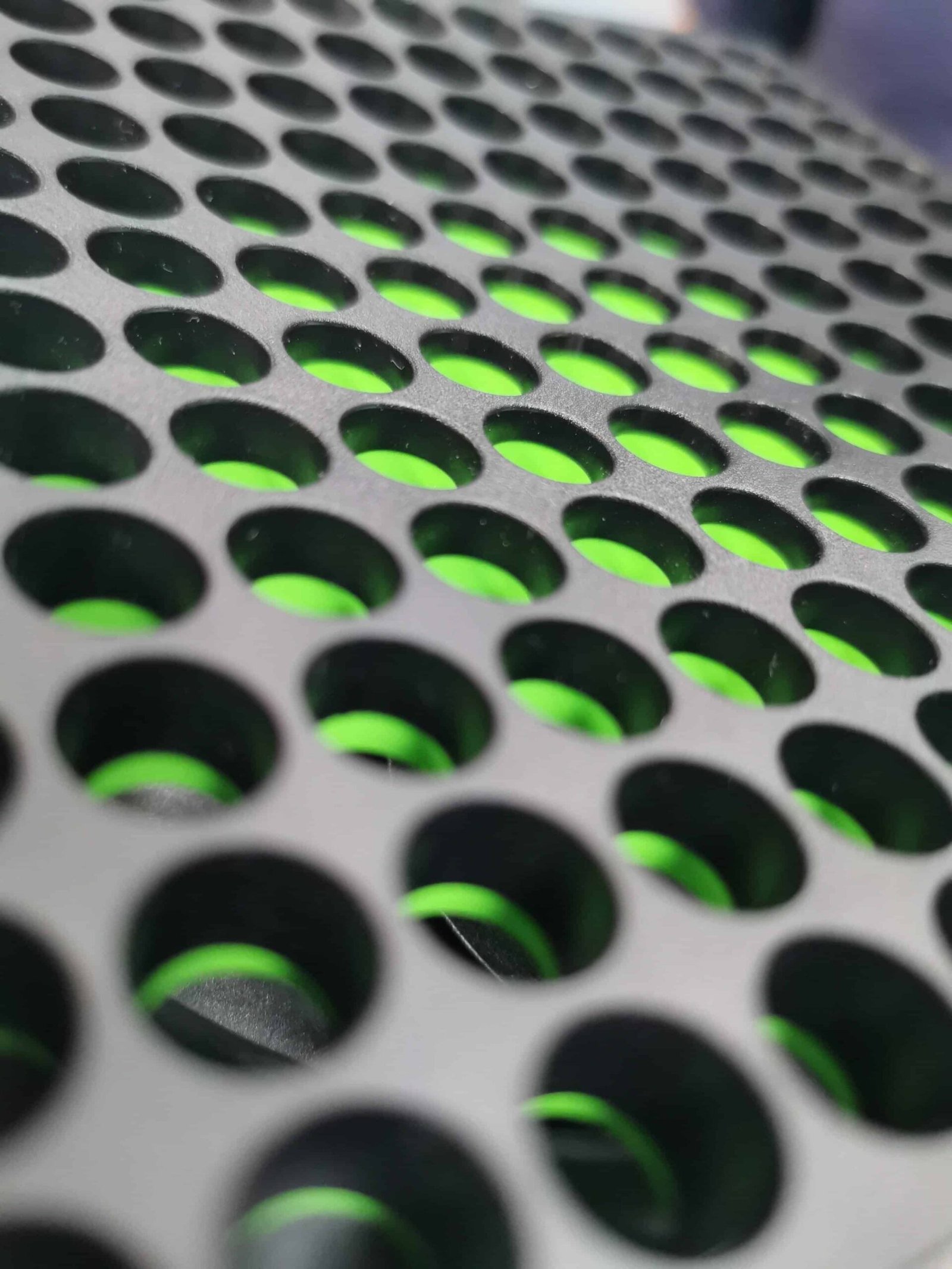
A dominant design element is the large side exhaust, which occupies nearly an entire side panel. In the review unit, the console ran warmer when used horizontally, though temperatures stayed within expected ranges for consumer electronics.
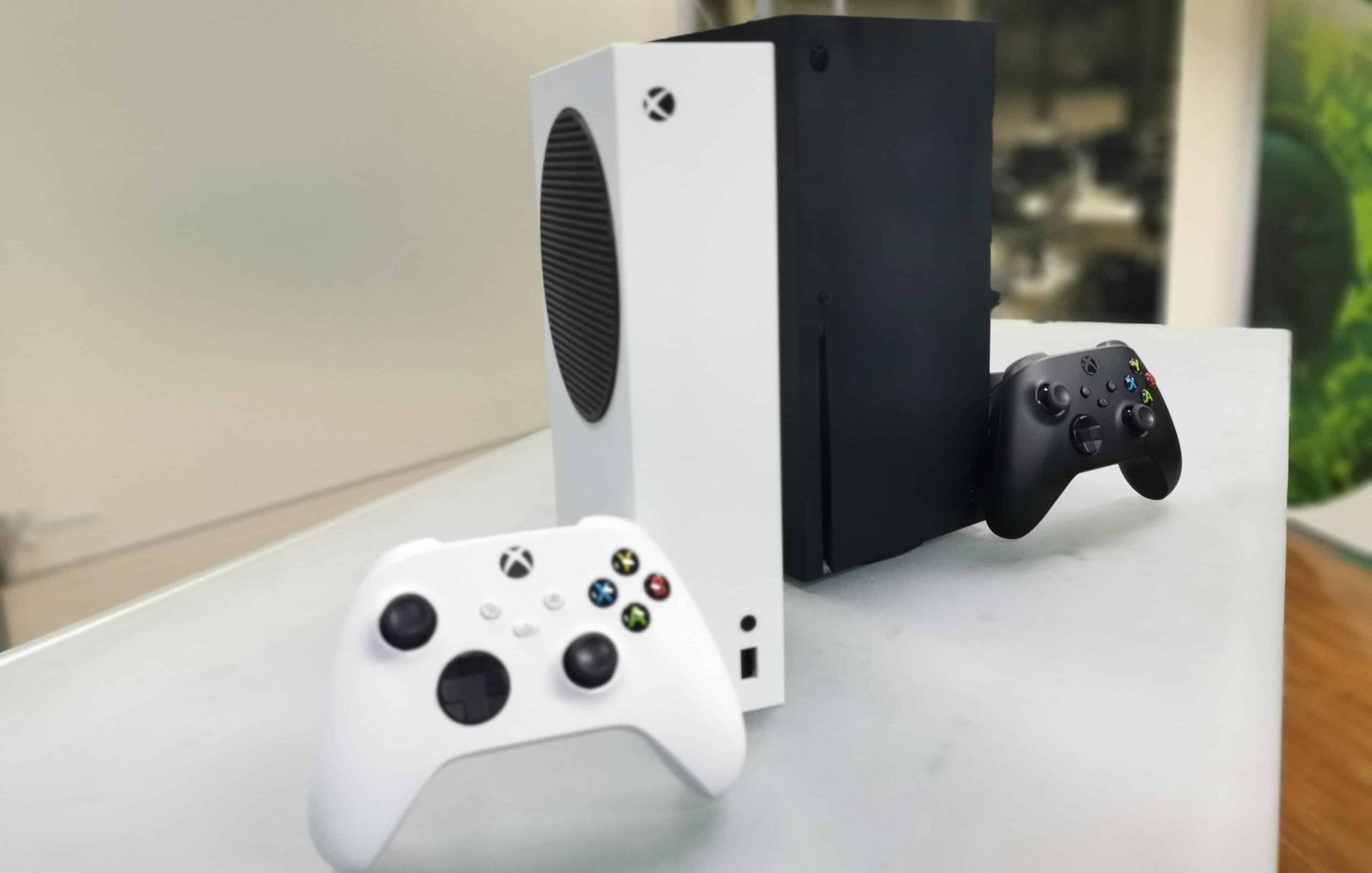
The Xbox Series S uses a white matte finish and is one of the smallest consoles Microsoft has produced, a design choice that suits its positioning as a next-gen entry model.
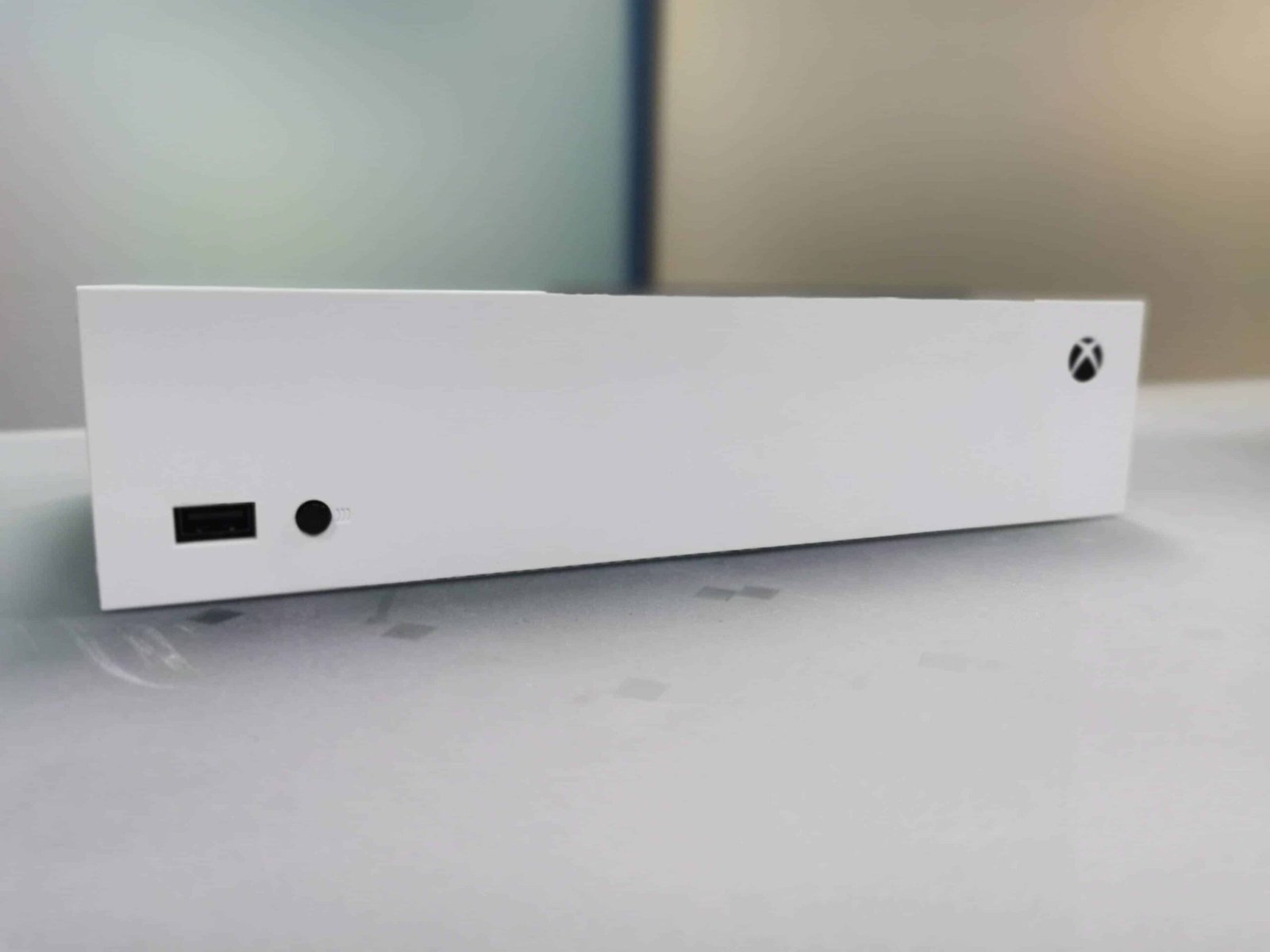
The Series S front is minimal: power and controller sync buttons plus a USB port. Without a disc drive, the layout is cleaner. Its ventilation is visible on the side when placed vertically and is finished in black, creating a visual contrast with the white chassis. Like the Series X, the S can be oriented vertically or horizontally and includes small supports to keep it stable.

Controller updates
Both consoles ship with essentially the same controller, differing only in color to match each console. Notable upgrades include a textured rear surface that improves grip and reduces slippage compared with the Xbox One controller.
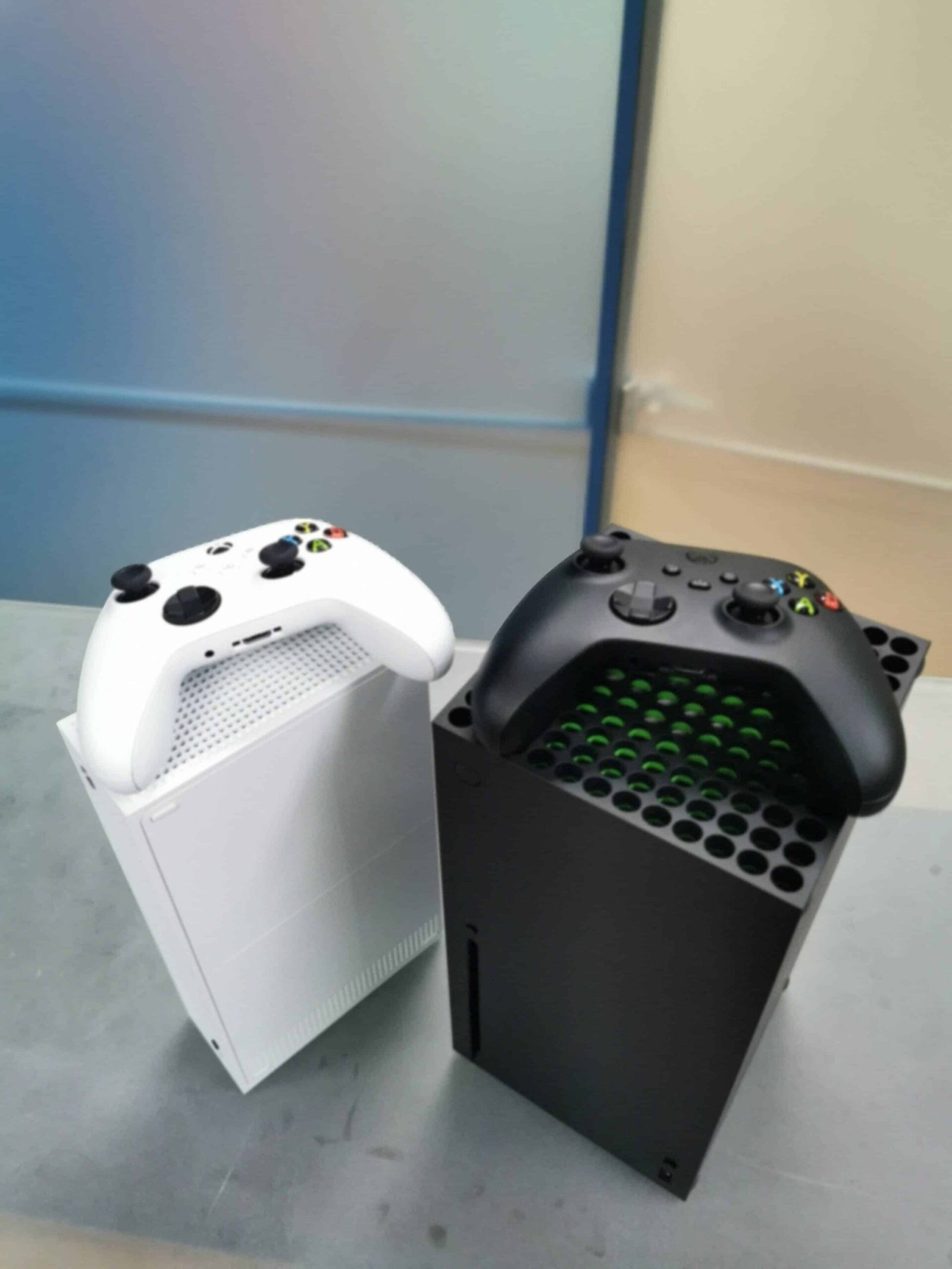
Shoulder buttons (RB, LB, RT, LT) gained textured surfaces that improve tactile feedback and reduce audible click noise. Analog sticks feel more precise, and the face buttons have a slightly deeper travel that makes them feel softer and more comfortable. A new dedicated Share button lets players capture and share gameplay moments quickly.
System interface and new features
The user interface remains visually similar to the previous generation for users who updated from Xbox One, but Microsoft added useful features. Dynamic background themes are now available in addition to the largely static themes that prevailed before.
The home screen still displays recently used games and apps in tiles and provides easy access to the player’s library. Lower navigation tabs include a redesigned store and a community section for achievements and shared captures, with the order customizable by the user.

Quick Resume stands out as a major improvement: it lets players switch between multiple games and resume exactly where they left off without restarting the title or repeating load screens. In testing, Quick Resume handled more than four games simultaneously and even restored an online-focused title like Dead by Daylight. The feature persisted across power cycles, allowing users to turn the console off and later resume games from the same point.
SSD impact on loading and transfers
The consoles’ solid-state drives noticeably reduce load and installation times. Installing Far Cry 5 from disc completed in roughly 30 minutes during testing, while download-based update times depend on the user’s internet speed. Boot-to-game times in the sample of tested titles averaged near one minute.
File transfers also benefit from the internal SSD. Moving a 40 GB game from an external HDD to the console’s internal SSD took about five minutes; the reverse transfer from internal storage to an external HDD took approximately 13 minutes.
Backward compatibility
Both Series X and Series S run games from four previous Xbox generations and can apply enhancements like HDR to older titles. Retrocompatible games are available from the store or run from physical media when supported. However, titles that originally had performance issues—such as slowdowns—may continue to exhibit those same behaviors on the new hardware.

Resolution, frame rates and HDMI 2.1
The new consoles build on features introduced with the prior generation, expanding support for higher resolutions and frame rates. With HDMI 2.1, owners of compatible TVs can access the consoles’ full potential in resolution and frame-rate delivery. Higher resolutions improve graphical fidelity while elevated frame rates yield smoother gameplay; some titles offer explicit options to prioritize visuals or frame rate.
Not every game supports maximum frame rates at the highest resolution, so developers may provide performance or quality modes where players can choose priorities, as seen in some racing titles like Dirt.
Which model to choose
The Series S offers a compact, cost-effective path into the new generation and already provides a perceptible upgrade over previous hardware for many players. The Series X targets users seeking the most complete next-gen experience, including support for physical media and greater long-term graphical headroom. The Series X is particularly suited to players with newer TVs capable of reproducing its improvements.