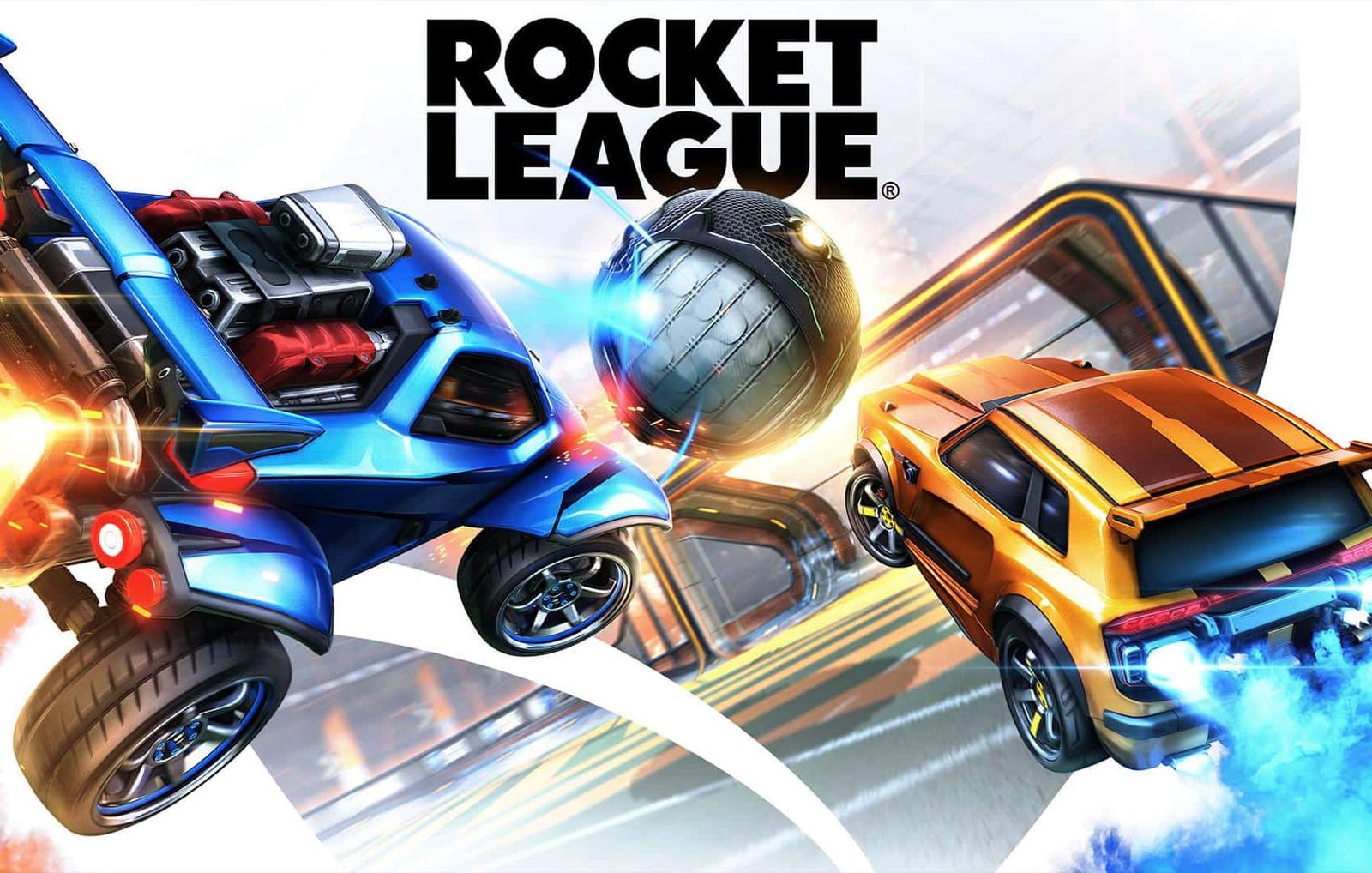
Rocket League, the vehicle-based soccer game, is now available for free on PC and consoles. Players can claim the game through the Epic Games Store for PC, and console users can add it from their platform stores.
Where to get Rocket League for free
On PC, Rocket League is distributed through the Epic Games Store and must be claimed and downloaded via the Epic Games Launcher. For consoles, go to the game page on the PlayStation Store or the Microsoft Store to add it to your library.
Console players should note that an active PlayStation Plus or Xbox Live Gold subscription is required to play online on those platforms.
Step-by-step: download Rocket League free on PC
To play Rocket League on computer without purchasing it, you need an Epic Games account and the Epic Games Launcher installed. The process is straightforward:
- 1. Visit the Epic Games homepage and find the Rocket League highlight, or go directly to the Rocket League page on the Epic Games Store via the provided link.
-
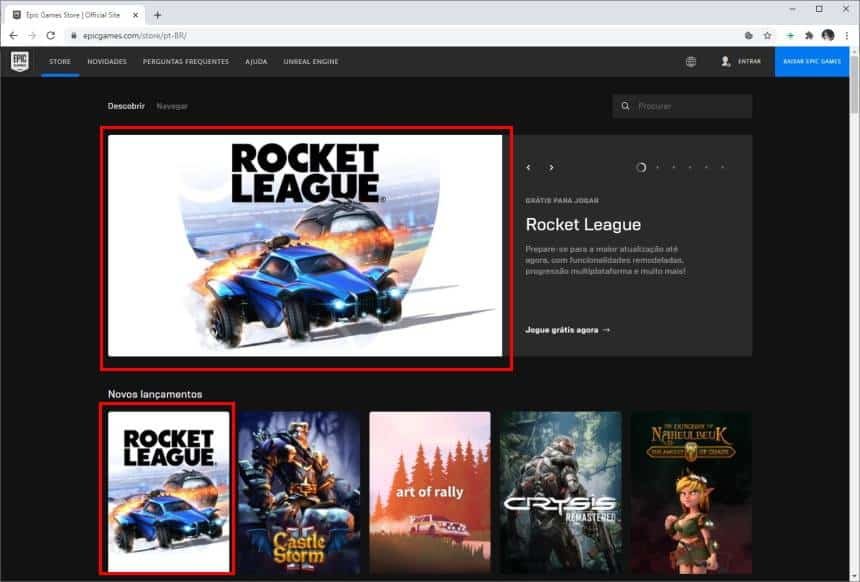
Rocket League page on the Epic Games Store where users can claim the game - 2. Click the “Get” button next to the game’s description to begin claiming it for free.
-
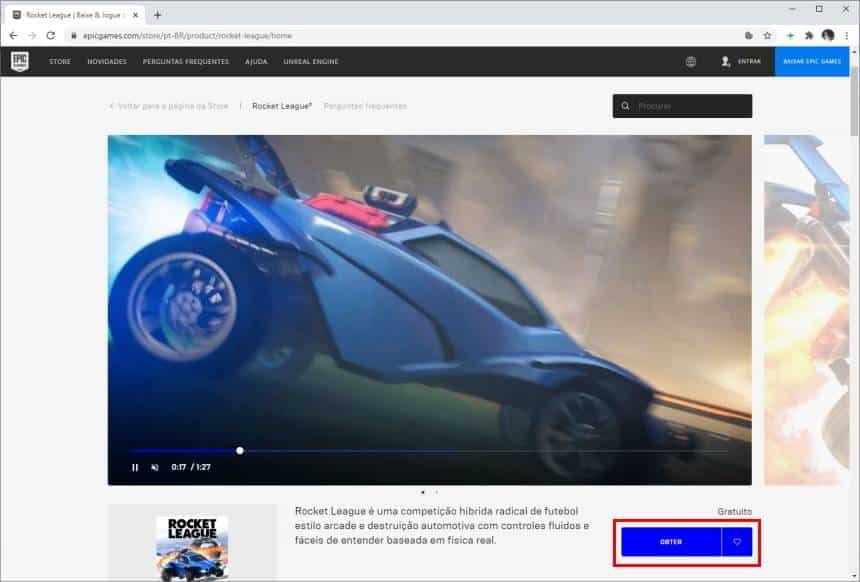
Click “Get” beside the Rocket League listing to add it to your account - 3. Sign in with your Epic Games account. If you do not have one, create a new account.
-

Sign in to your Epic Games account or create one to claim Rocket League - 4. On the checkout page, click “Place Order” to confirm adding the free game to your account.
-
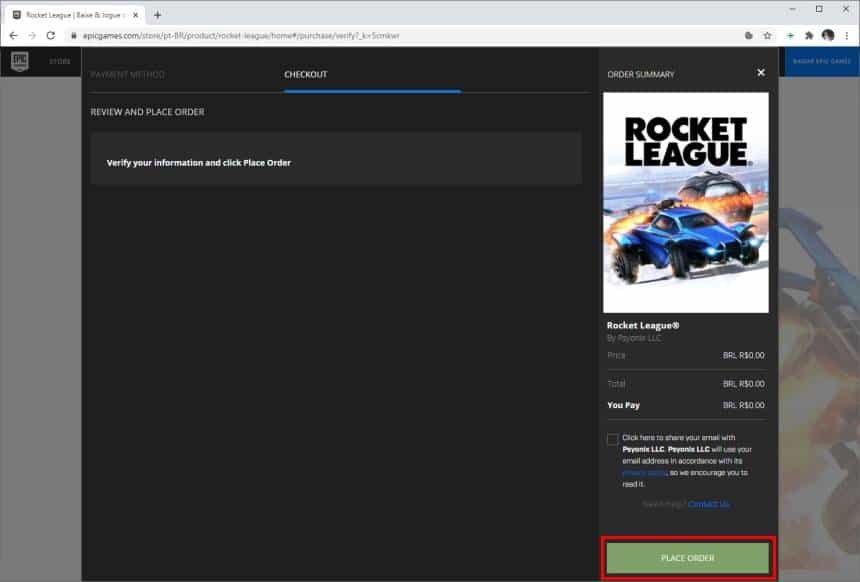
Confirm the free order by clicking “Place Order” - 5. Wait for confirmation that Rocket League is linked to your Epic Games account. If you do not yet have the Epic Games Launcher, download it now.
-

Confirmation that Rocket League is now linked to your Epic Games account - 6. Open the Epic Games Launcher, sign in, go to “Library,” locate Rocket League and start the download.
-

Open the Epic Games Launcher, sign in, and download Rocket League from your Library
After downloading
Once Rocket League is installed on your PC or added to your console library, you can launch the game and play. Console users who plan to play online must have the appropriate subscription active for multiplayer access.